
Film moodboards for directors and colorists
Build a searchable film moodboard for cinematography, lighting, camera movement, production design, editing, and color grading references.
Workflow Highlights
Reference Board features for Film & Color Grading.
- Images, video, YouTube, and source links
- Automatic descriptions, OCR, scene details, and colors
- Natural-language, color, and similar-image search
- Regions, sticky notes, and grid view
- Always-on-top boards, iCloud sharing, and PDF or PNG export
Build the look of the film before the camera rolls
A film often starts with something easier to see than explain: soft daylight on a face, a sodium-lit street, the restraint of a locked-off frame, or the energy of a handheld move. But when those references are split between camera rolls, browser tabs, messages, and decks, the visual direction becomes harder to communicate.
Reference Board gives directors, cinematographers, editors, production designers, and colorists one film moodboard for the look of the project. Keep stills, location photographs, paintings, costume ideas, grading references, videos, and notes together on an infinite canvas while the visual language is still taking shape.
Collect film references without losing the source
Drag screenshots and local files onto a board, paste from the clipboard, or save images and selected text from the web. The Share Sheet makes it easy to add material from iPhone and iPad, while YouTube links retain useful source details such as the title, channel, thumbnail, and URL.
Video belongs on the same board as still imagery, so camera movement, blocking, performance, and pacing do not have to be reduced to one frame. Add a sticky note beside any reference to record what matters—the contrast, lens character, skin tone, production design, or movement—before that context is forgotten.
Organize a film moodboard by scene, department, or visual idea
Use named Regions for day interiors, night exteriors, character palettes, locations, camera language, and color-grade targets. Smart Regions can suggest structure when references already form a visual cluster, and the minimap makes a large production board easier to navigate.
Switch to grid view when you need a clean overview of every reference, then return to the canvas to compare sequences and relationships. The whole film stays connected while each collaborator can move directly to the part that matters to their work.
Search cinematography and color references by what you remember
Reference Board generates descriptions and detects visible text, dominant colors, objects, and scene details in the background. Search across boards in natural language for phrases such as “muted amber close-up,” “crowded night street,” or “soft overcast window light,” even when the original file has an unhelpful name.
Color filters help a colorist isolate a palette, OCR can recover a reference from text visible in a frame, and similar-image suggestions reveal related compositions, lighting, and tones. Older research becomes part of a searchable film-reference library instead of disappearing when one production wraps.
Keep the reference board beside the edit or grade
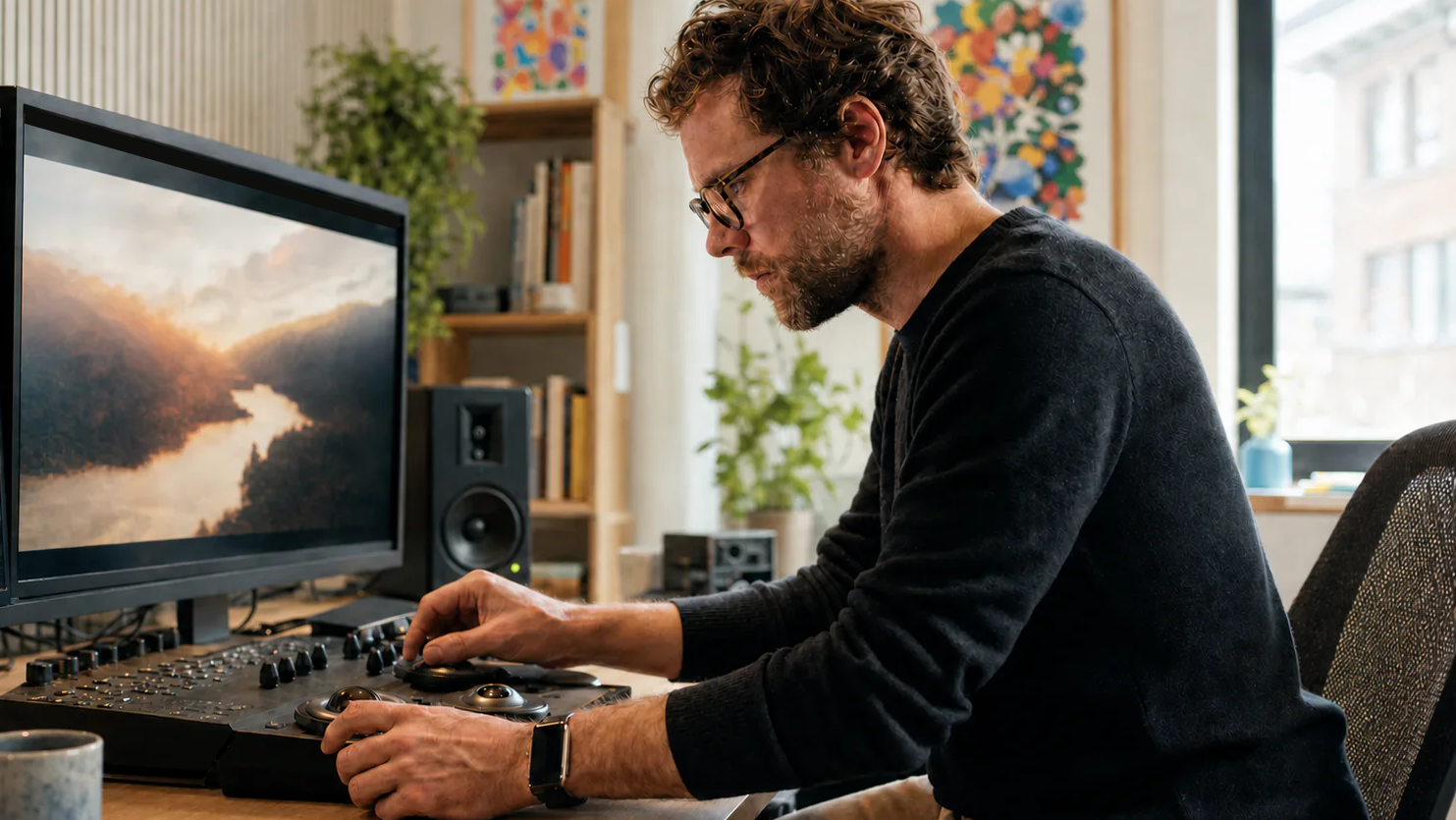
On Mac, keep a board always on top while working in editing, grading, or compositing software. On iPad, use Apple Pencil to circle a highlight, trace a composition, or mark the exact part of a frame being discussed.
Share an evolving board through iCloud when collaborators need the latest direction. For a review, pitch, or handoff, Snap to Grid can clean up the layout and PDF or PNG export creates a portable lookbook. Reference Board keeps the original sources, creative reasoning, and final visual targets close from the first conversation through the final grade.