Visual First
Reference Board Features
Everything Reference Board does for visual research.
A complete overview of the user-facing workflows in Reference Board, grouped by how creative references actually move through a project.
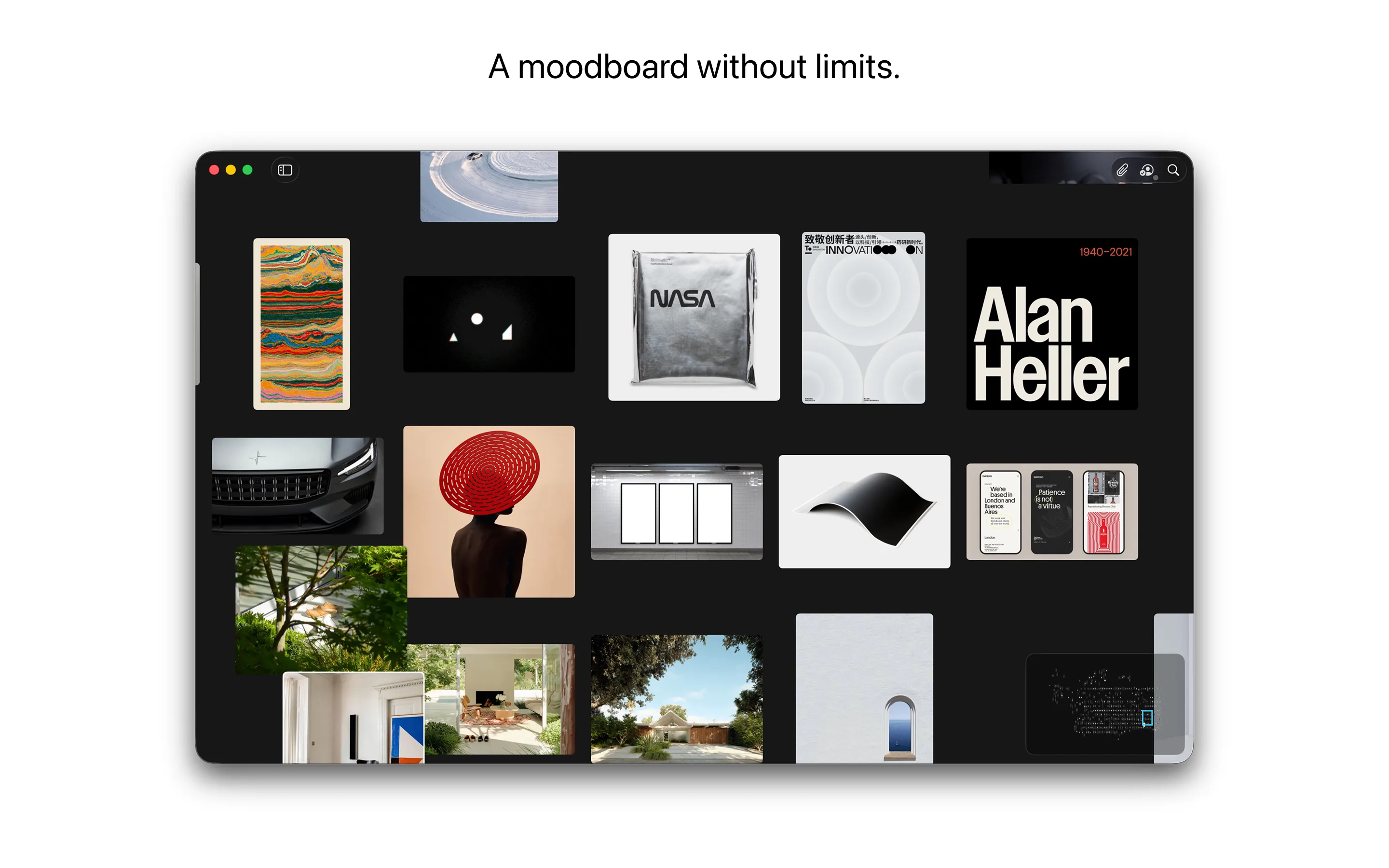
Canvas + regionsBoards stay spatial, zoomable, and easy to revisit even when the reference wall gets big.
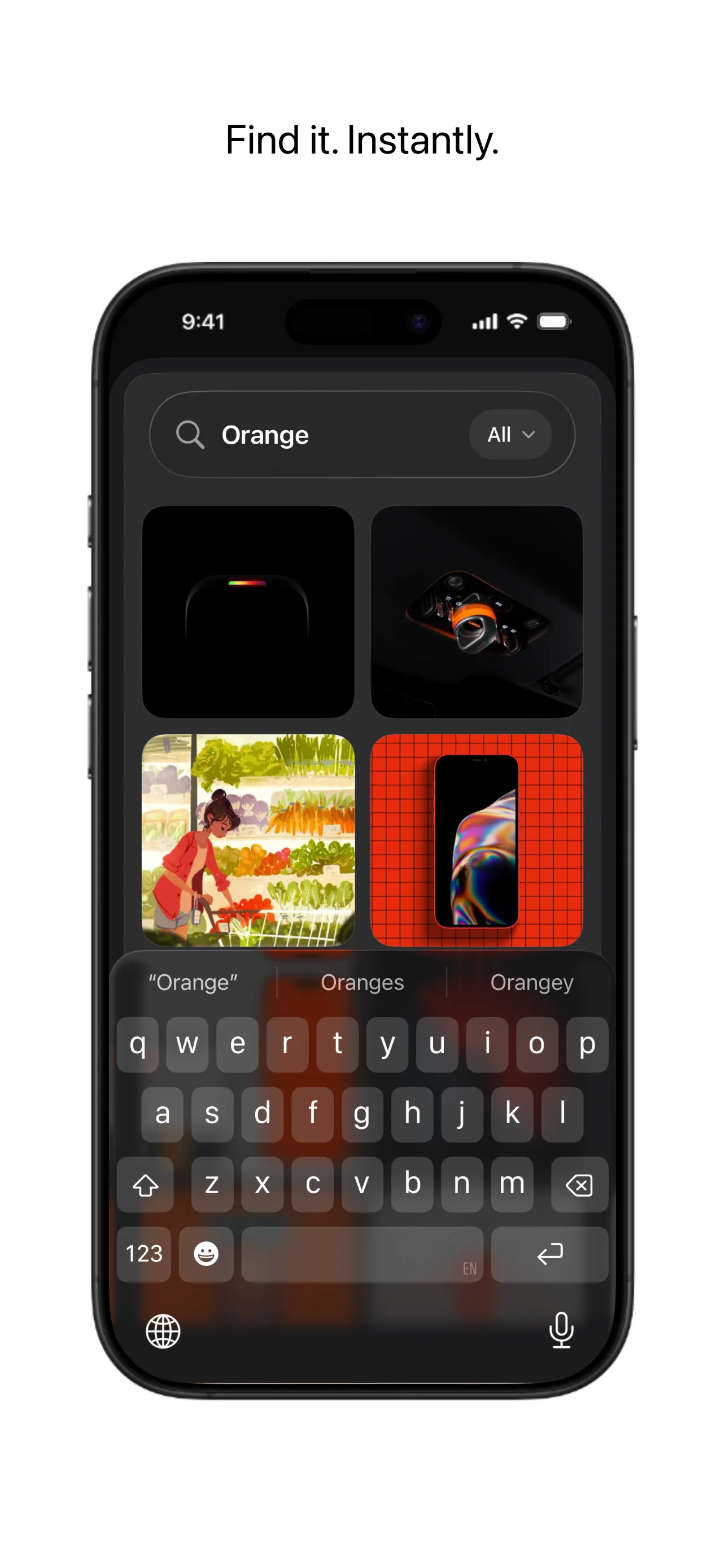
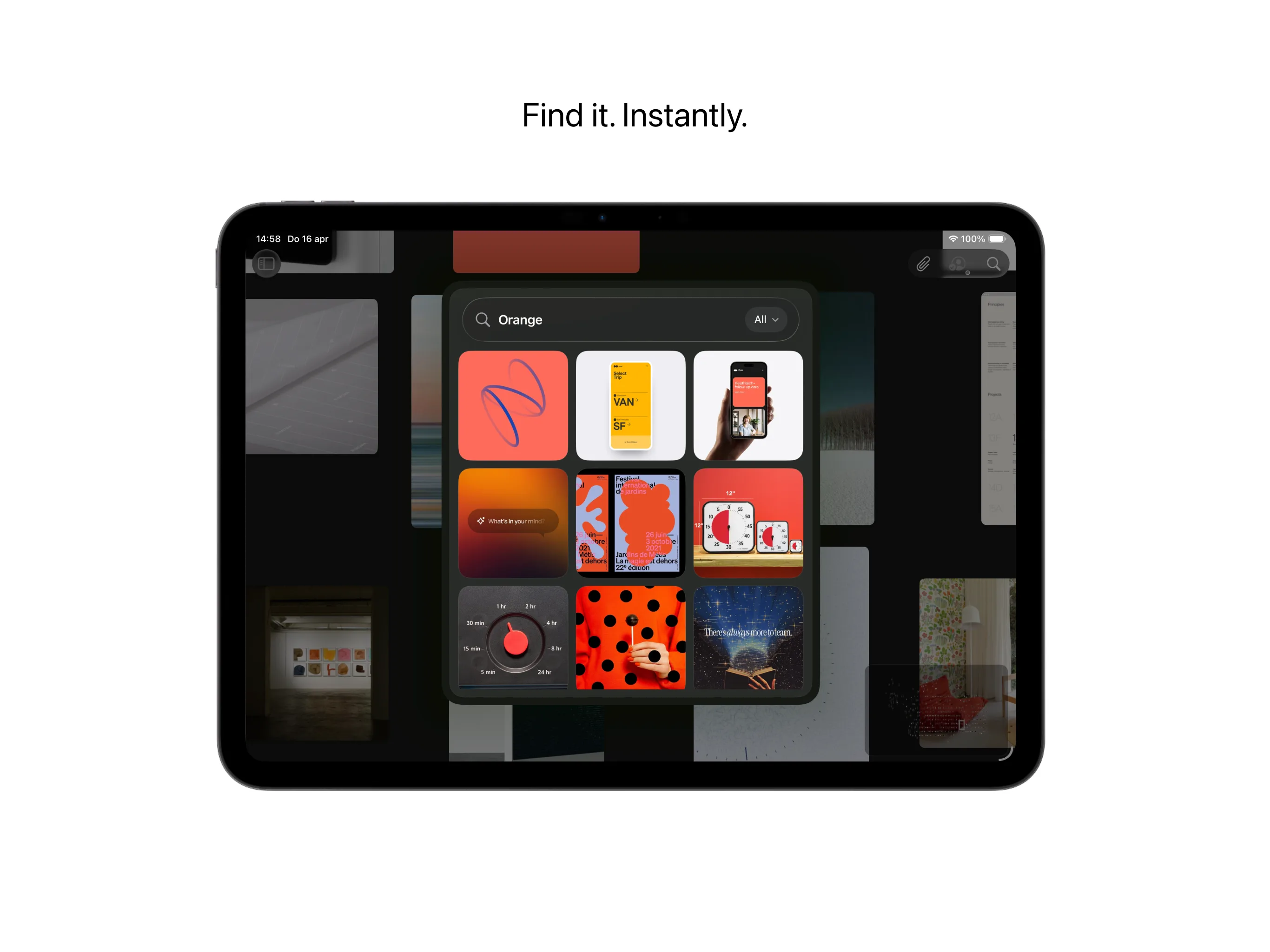
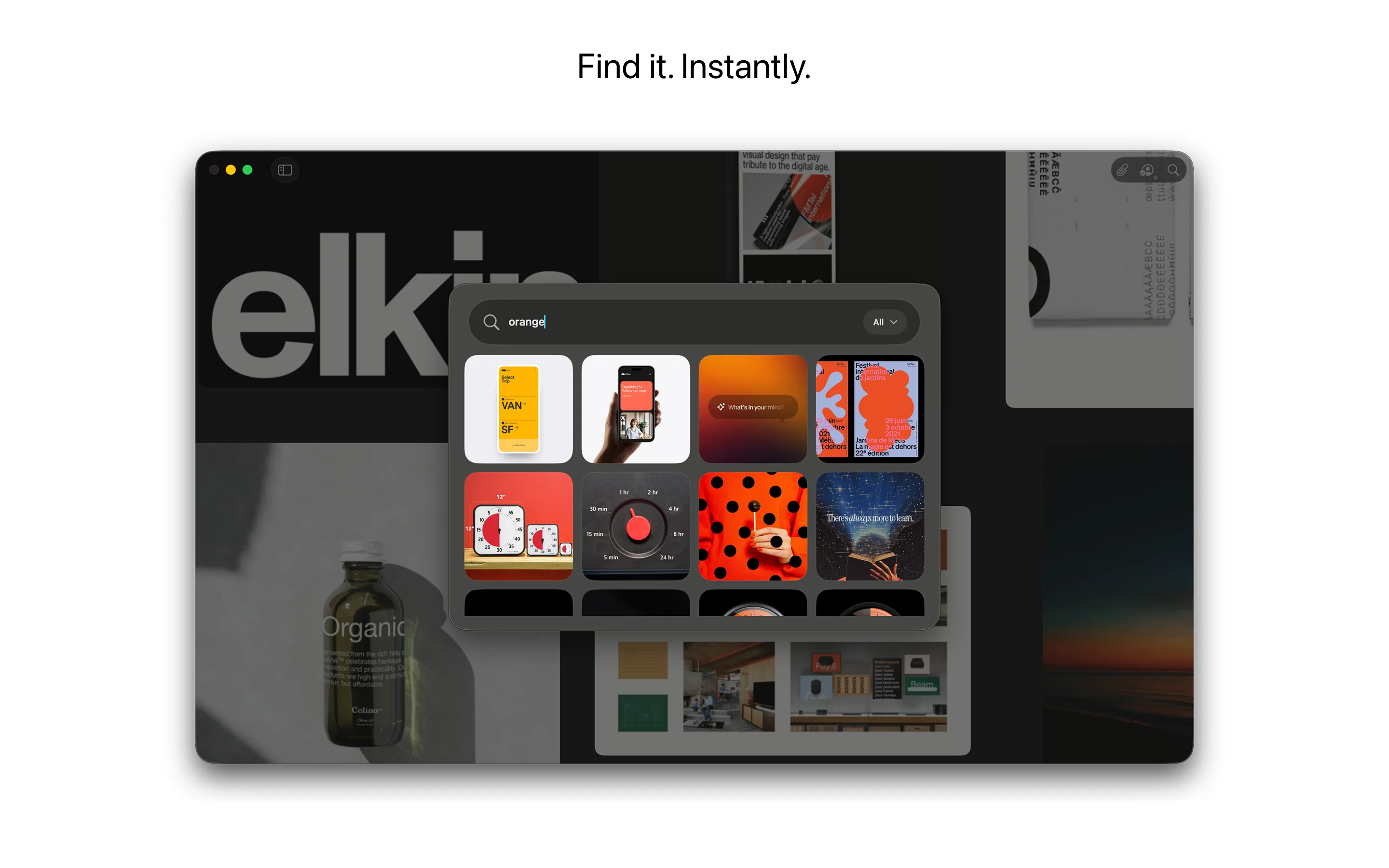
Searchable
One-Time Purchase
Complete Feature Map
Grouped by the jobs Reference Board helps you do.
This page is intentionally practical: every list below is a user-facing workflow or a friendly feature that makes boards easier to collect, shape, search, revisit, or work with through an approved AI client.
Collect And Import
- Drag and drop files onto a board
- Paste images and URLs from the clipboard
- Import photos and videos
- Import any file on Mac
- Share sheet import on Mac, iPhone, and iPad
- Browser extension image picker
- Right-click web image import
- Selected text import from the web
- Website links with visual preview cards
- X/Twitter posts and Maps links as visual cards
- Public images shared from Instagram, X, and Pinterest
- Multi-image Instagram post import
- YouTube link import with metadata
- Import from URL via Shortcuts
- Import latest photos via Shortcuts
- Import from clipboard via Shortcuts
- Continuity Camera photo, scan, and sketch capture on Mac
- Automatic grid placement for batches
Organize The Board
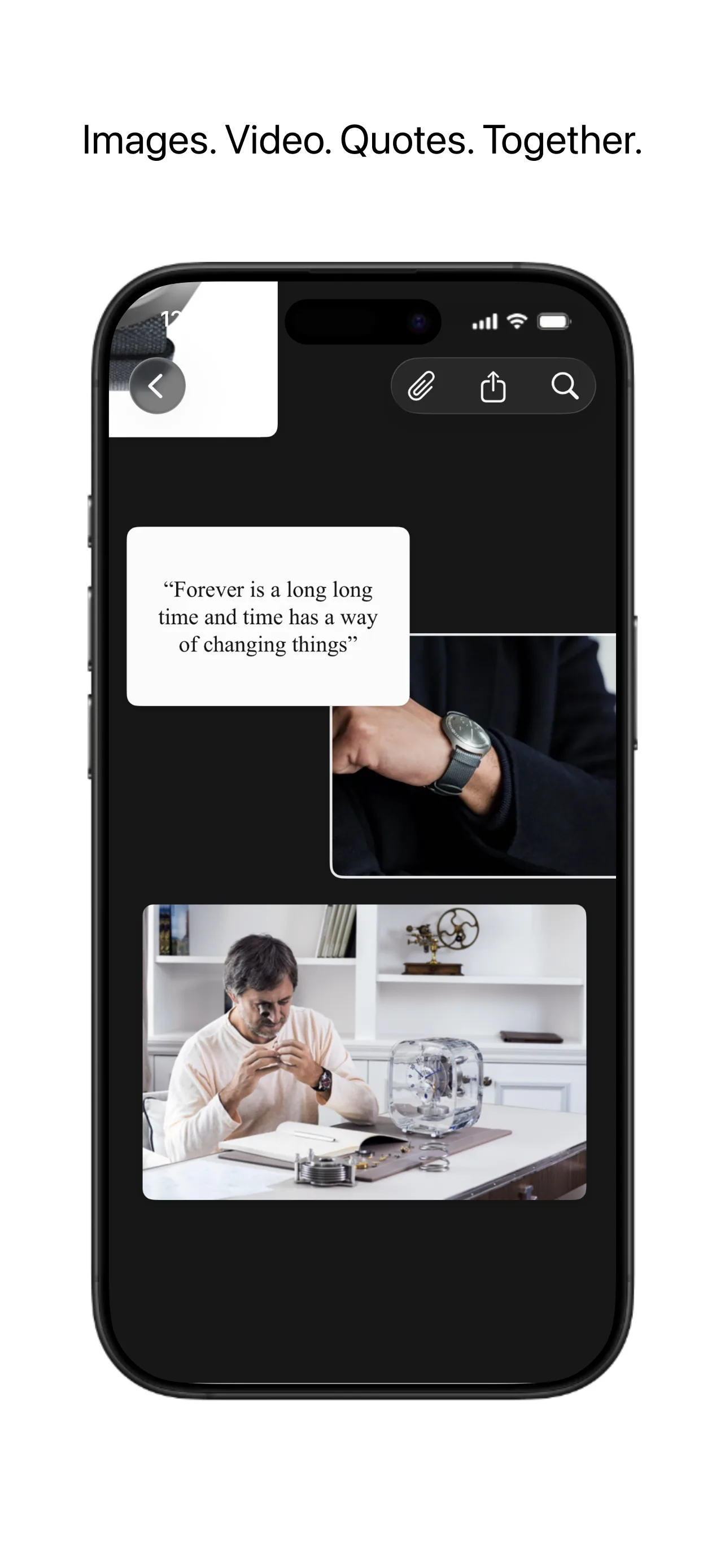
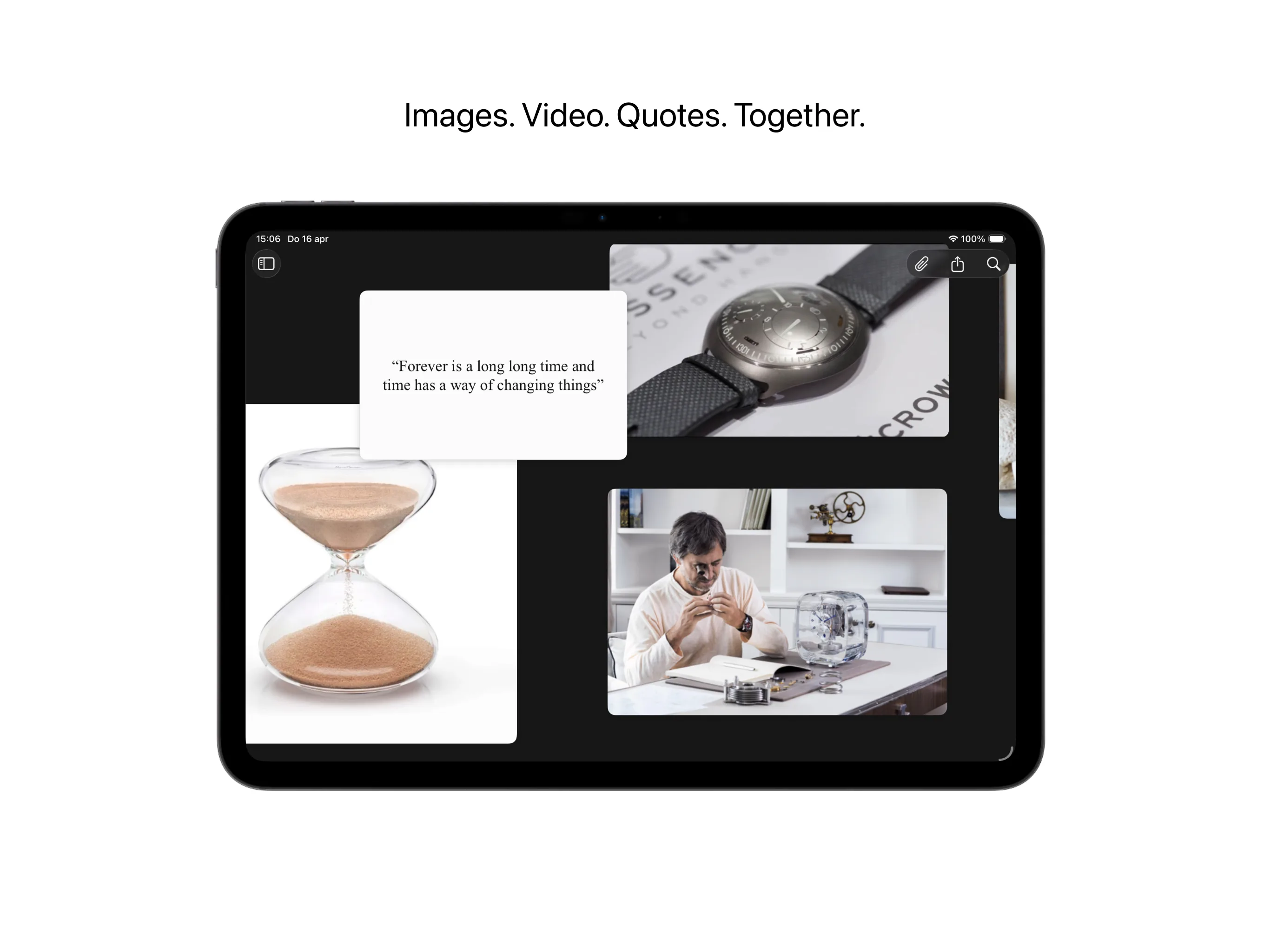
- Infinite spatial canvas
- Multiple boards
- Canvas and masonry grid board views
- Compact and tile board list views
- Folders for grouping related boards
- Drag boards between folders or move them from a context menu
- Full-screen grid browsing with previous and next navigation
- Pinch to scale selected board items
- Responsive item tilt while dragging
- Marquee multi-select on iPhone and iPad
- Arrange selected items into a grid
- Create a new board from selected items
- Move items forward, backward, to the front, or to the back
- Rename and delete boards
- Theme-colored selected board state
- Named regions
- Region thumbnails
- Previous and next region navigation
- Minimap with viewport position
- Sticky notes
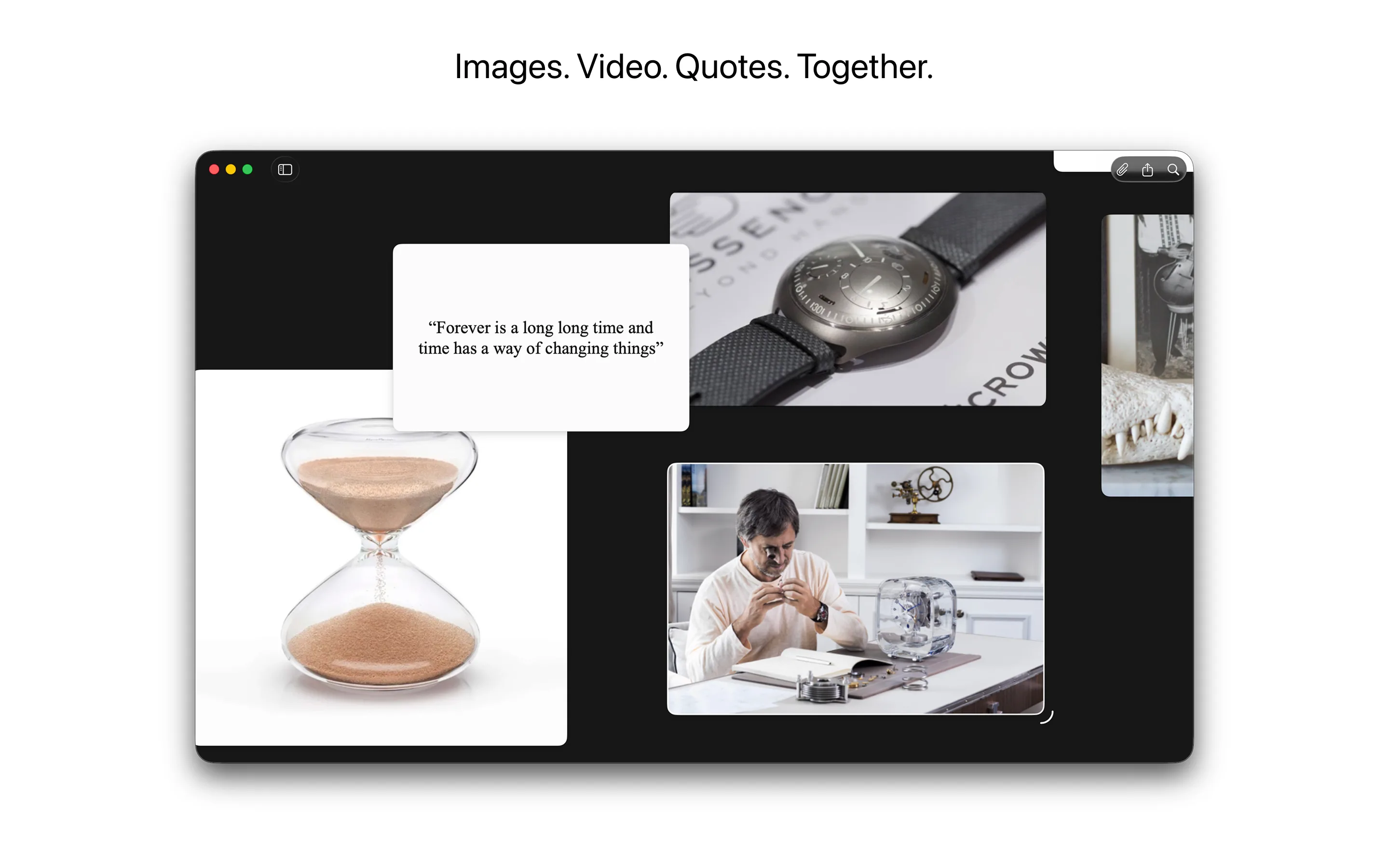
- Quote cards
- Map location cards
- Default sticky note colors
- Always-on-top board window on Mac
Edit Images And Video
- Reversible image cropping
- Reversible image flipping
- One-step image background removal
- Transparent cutouts added directly to a board
- Play and pause videos on the canvas
- Scrub through video frame by frame
- Capture an exact video frame as a full-resolution image reference
- Looping video playback on the board
Understand Every Reference
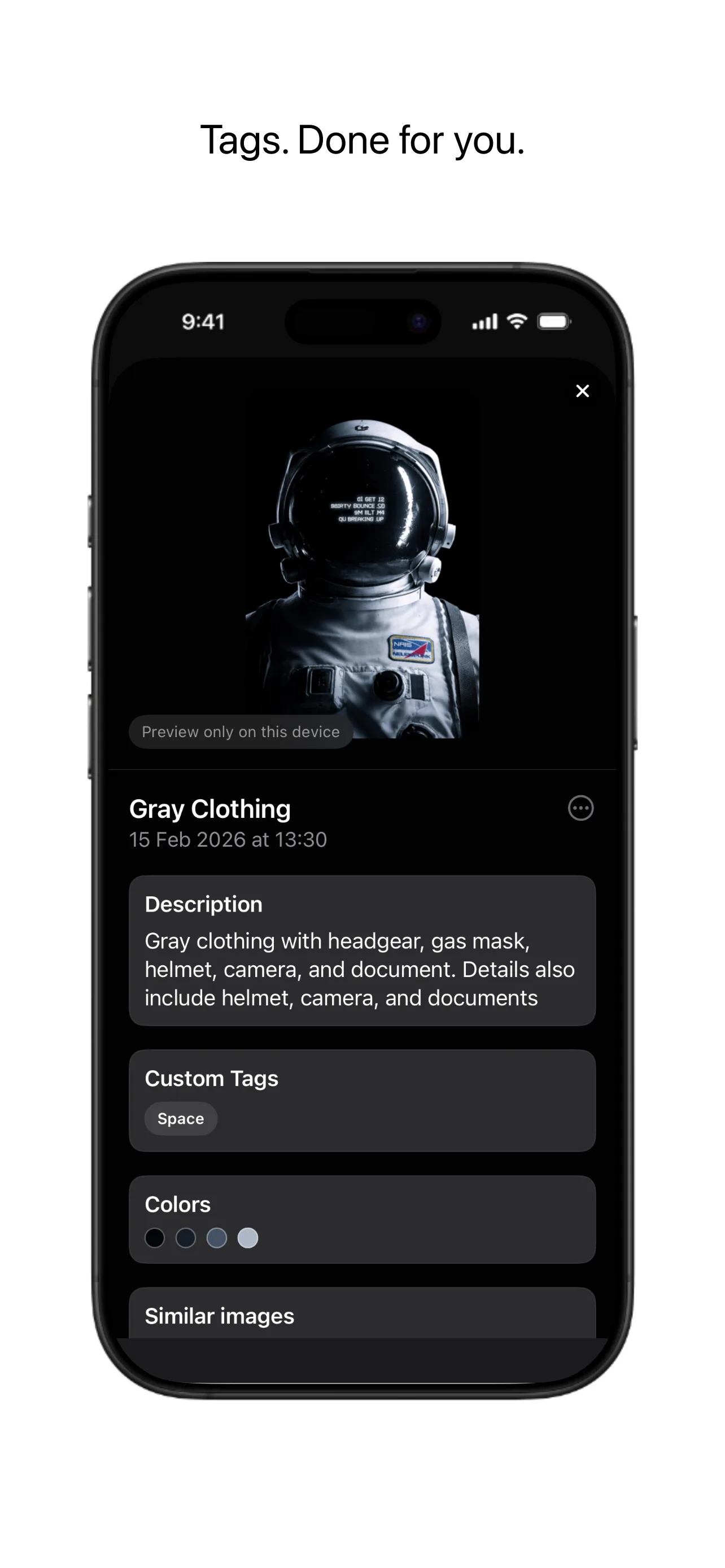
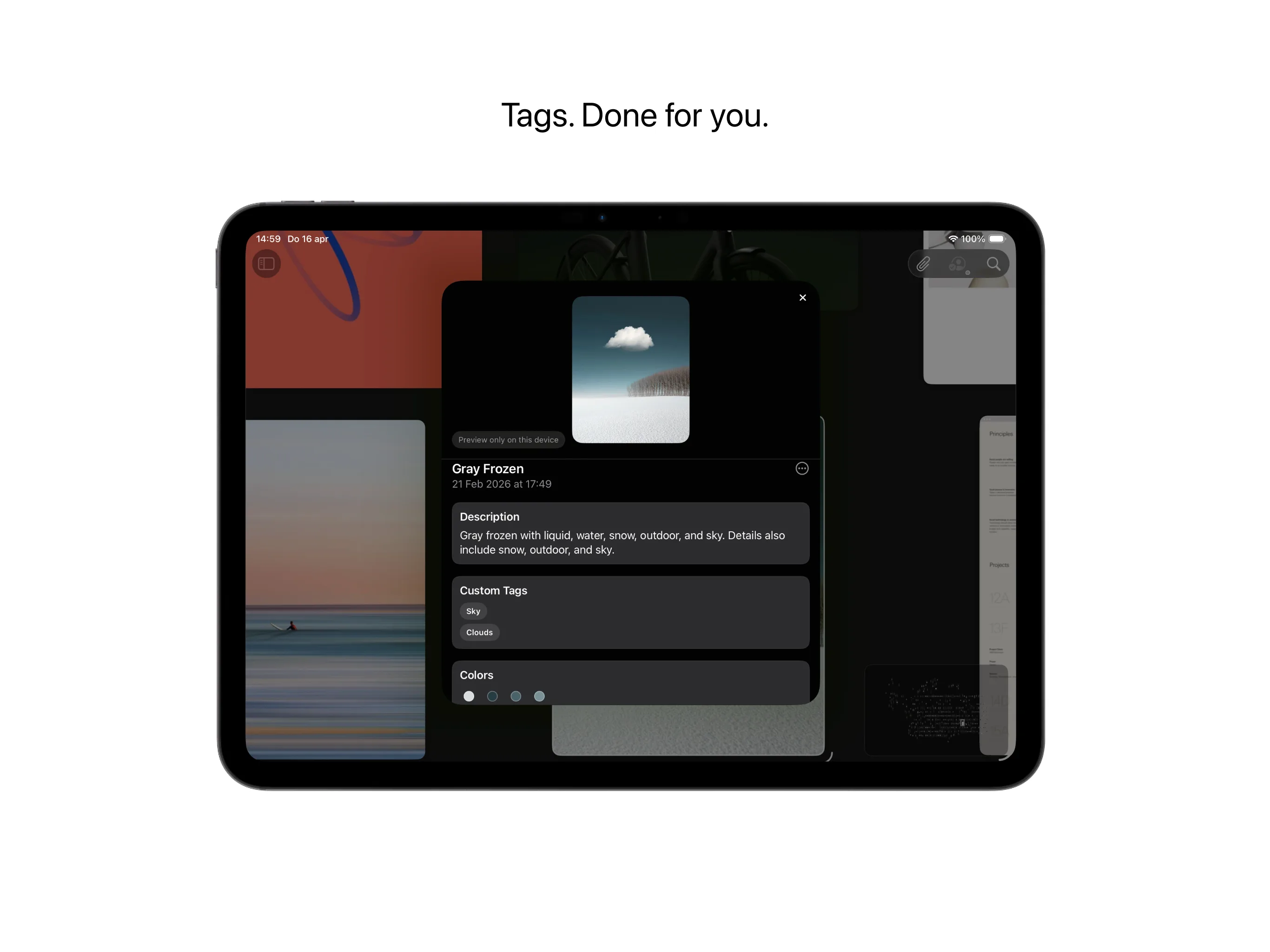
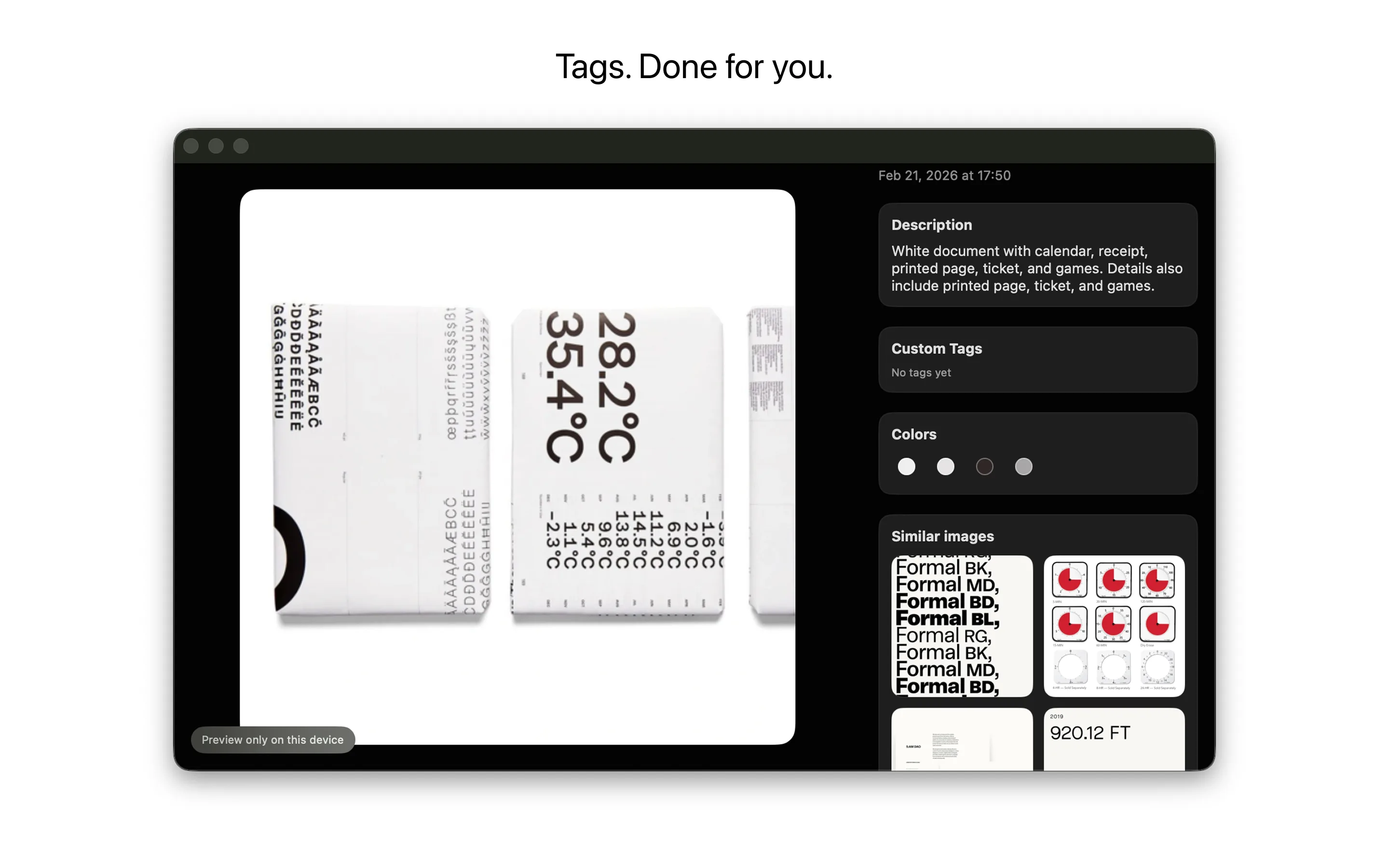
- Generated descriptions
- Editable descriptions
- Automatic title and caption data
- Custom tags
- Learned tag suggestions
- Face naming
- Manual face area placement
- Object and segment detection
- Scene category detection
- Primary and secondary content types
- Primary and secondary scene types
- Dominant color swatches
- Sharpness and blur signals
- Body pose signal
Search And Rediscover
- Command palette search
- Natural-language search terms
- Search all boards
- Search board names
- Search descriptions and titles
- Search custom tags and suggested tags
- Search face names
- Search detected objects and segments
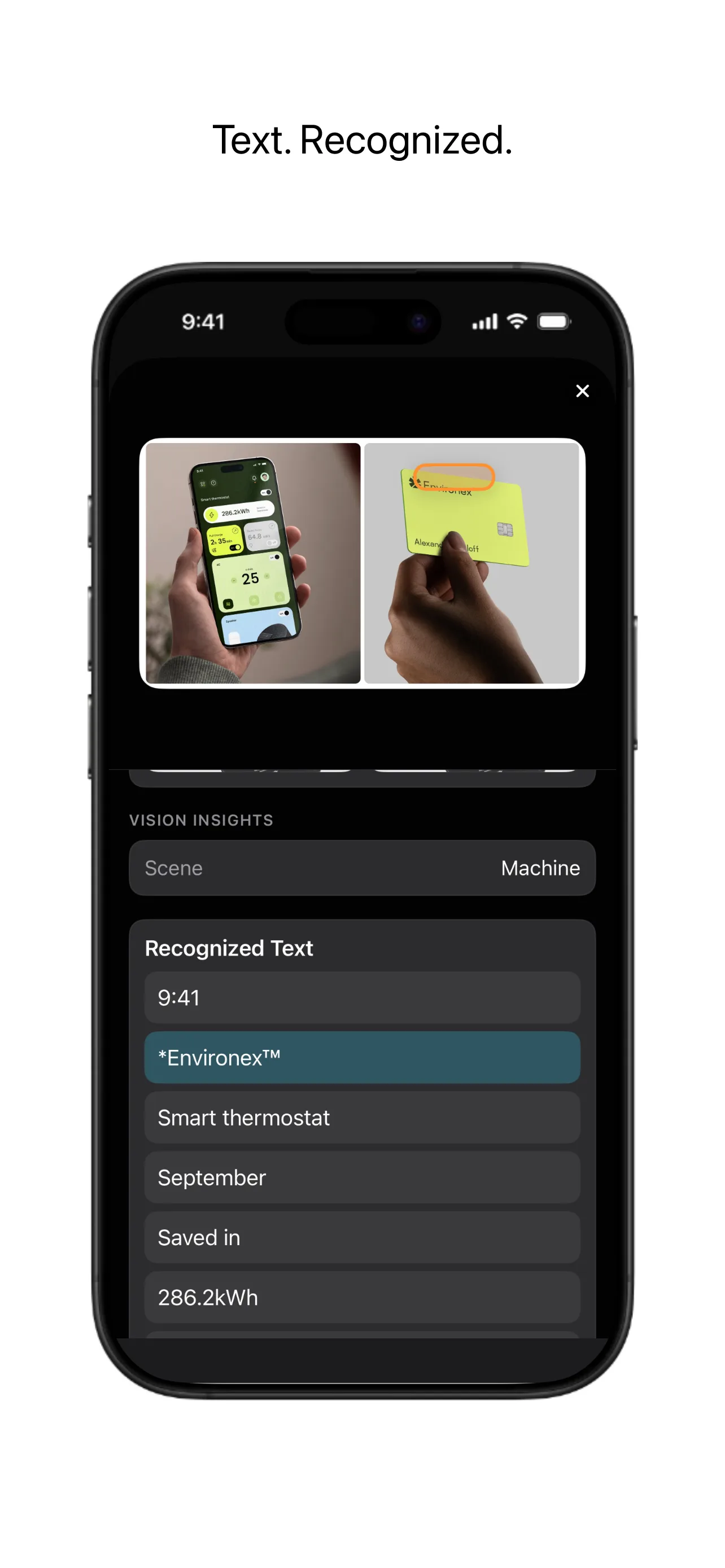
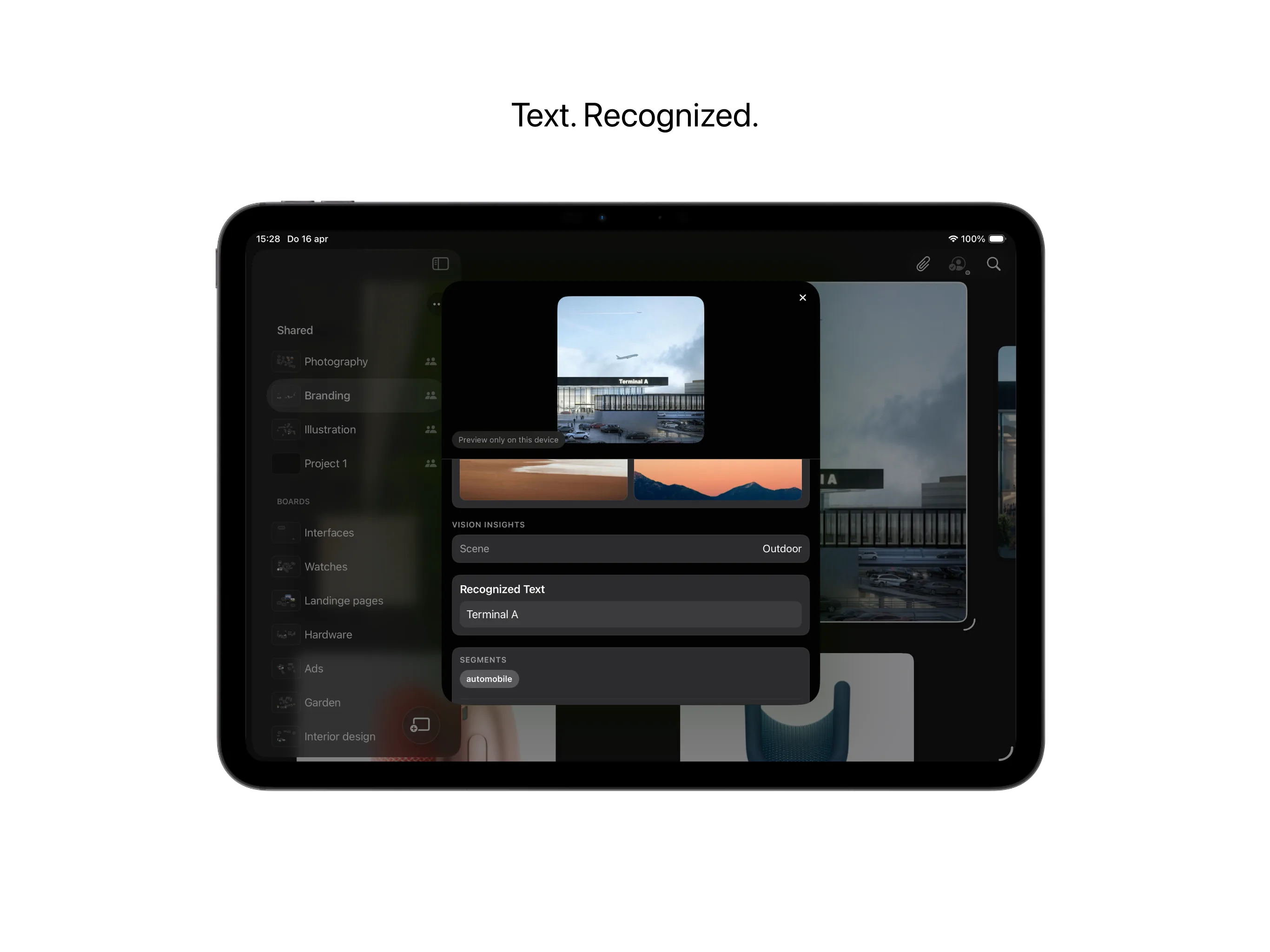
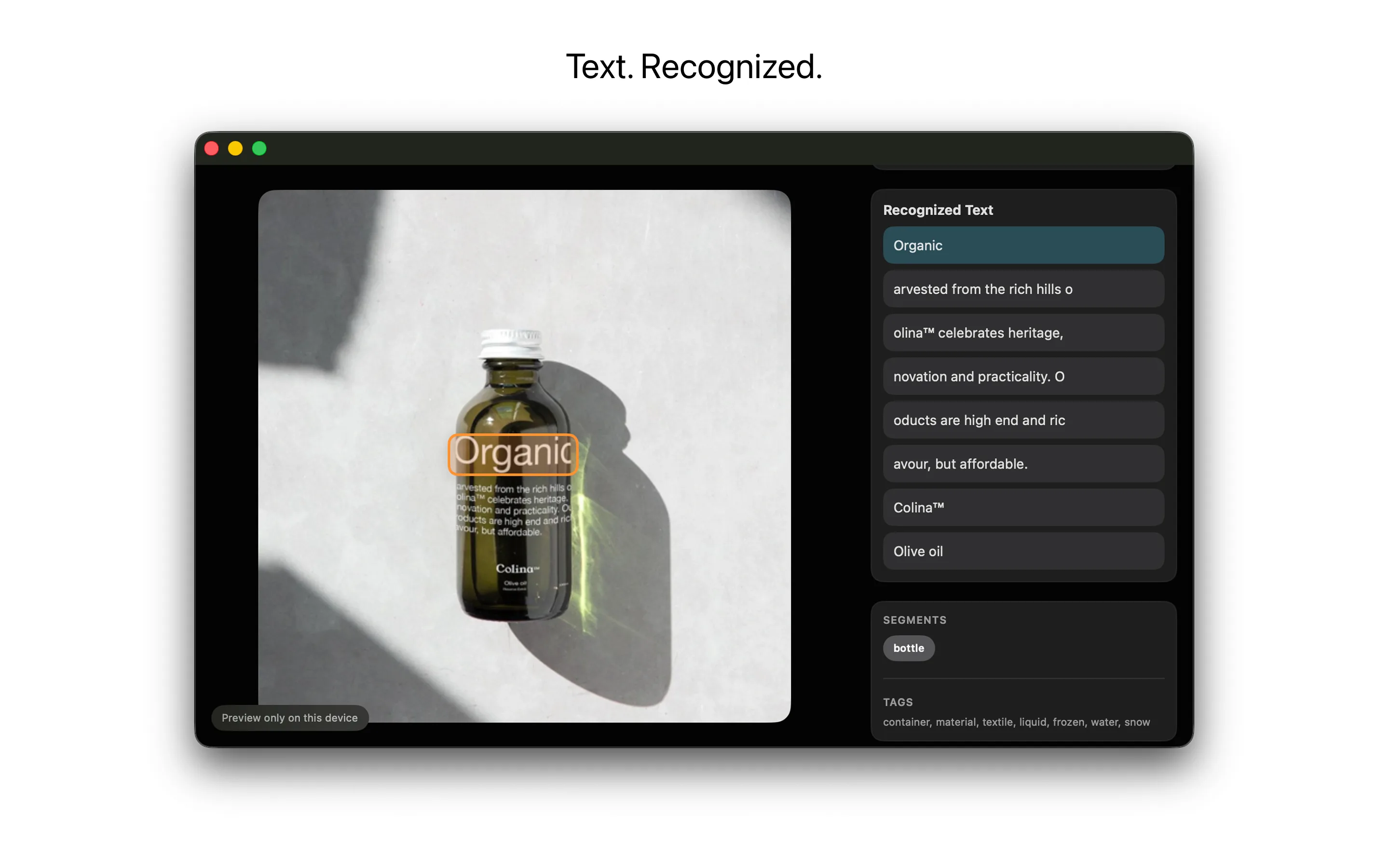
- Search visible text inside images and video frames
- Filter images, videos, faces, text, and sticky notes
- Color filters and color picker search
- Search by camera model, editing software, and capture year
- Search YouTube title, channel, tags, and source terms
- Open boards and items from Spotlight
Inspect And Use Details
- Draggable inspector
- Close-up board detail view with the L key
- Movable, resizable loupe on iPhone and iPad
- Four-finger loupe access for inspecting images and live video
- Recognized text section
- Copy OCR text
- Highlighted text snippets
- Similar image suggestions
- Clickable color swatches
- Source link card
- YouTube title, channel, description, and tags
- Camera model, ISO, aperture, shutter, and capture date
- Resolution and timestamps
- Location coordinates
- Add a location map to the canvas
- Download original when available
- Preview-only state for synced items
Share, Export, And Back Up
- Share boards directly from their context menu
- Share preparation status before inviting collaborators
- Share, leave, and stop sharing boards
- iCloud shared boards
- Shared With You collaboration control
- Live collaborator avatars and statuses
- Pull to refresh shared board lists
- Publish a view-only public board preview to the web with Reference Pro
- Browser access for viewers without buying or installing Reference
- Update or unpublish a public web preview at any time
- Export boards as PNG images
- Export boards as PDFs
- Board archive export
- Board archive import
- Automatic backup cleanup and recovery safeguards
Work With AI Clients On Mac
- Connect compatible AI clients through MCP
- Guided setup for Codex, Claude, and other compatible clients
- Search boards and inspect item details
- Add and arrange board content
- Run visual analysis
- Create and manage saved regions
- Import Reference archives through connected clients
- Export PNGs, PDFs, and Reference archives through connected clients
- Inspect sync and sharing status
- Create and manage share links
- Built-in prompts for discovery, analysis, organization, curation, and board reviews
- Local-first connections that are off by default and secured with pairing tokens
- Read-only, read-and-add, and full-control permission levels
- Explicit approval for sensitive actions and separate original-media access
- Recent MCP activity in Settings
Apple-Native Workflows
- iCloud sync across devices
- Apple Pencil annotations on iPad in light and dark appearances
- Handwritten notes pinned to the canvas
- Two-finger undo while annotating
- Home screen and desktop image widgets
- Random or tag-filtered widgets
- Project-filtered widgets
- Open widget items directly
- Create board shortcut
- Add image shortcut
- Open board and open recent board shortcuts
- In-app What's New release notes
- Reference Board screen saver on Mac
- Reference Pro across iPhone, iPad, and Mac with Family Sharing
- Localized app text across supported languages
See how it plays across devices.
Each screen shows a different part of the moodboard flow, from finding a visual instantly to letting Reference understand, organize, and connect what you save.