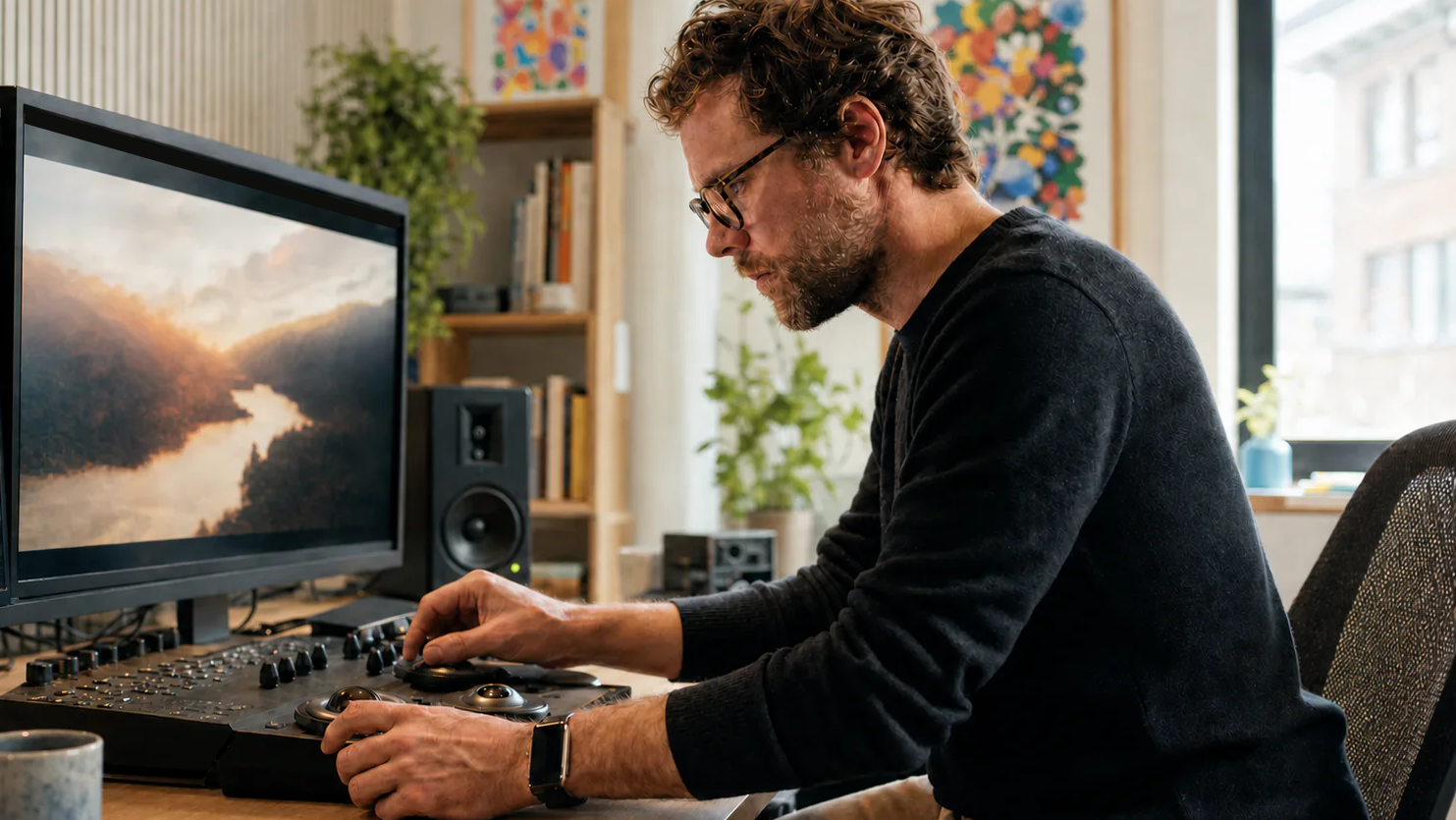
Finding the shape of an animated world
Build a searchable animation moodboard for character design, expressions, environments, props, color scripts, movement, and story moments.
Workflow Highlights
Reference Board features for Animation & Visual Development.
- Web, clipboard, file, video, and Share Sheet capture
- Automatic descriptions, objects, scenes, poses, colors, and OCR
- Natural-language, color, and similar-image search
- Regions, sticky notes, and Apple Pencil annotations
- Always-on-top boards, iCloud sharing, and visual exports
Find the visual language before animation begins
Visual development turns story ideas into a world the audience can believe. Character silhouettes, expressions, costumes, props, architecture, light, and color all need to feel as if they belong to the same production. When those references live in separate folders and messages, it becomes difficult to see whether the direction is truly coherent.
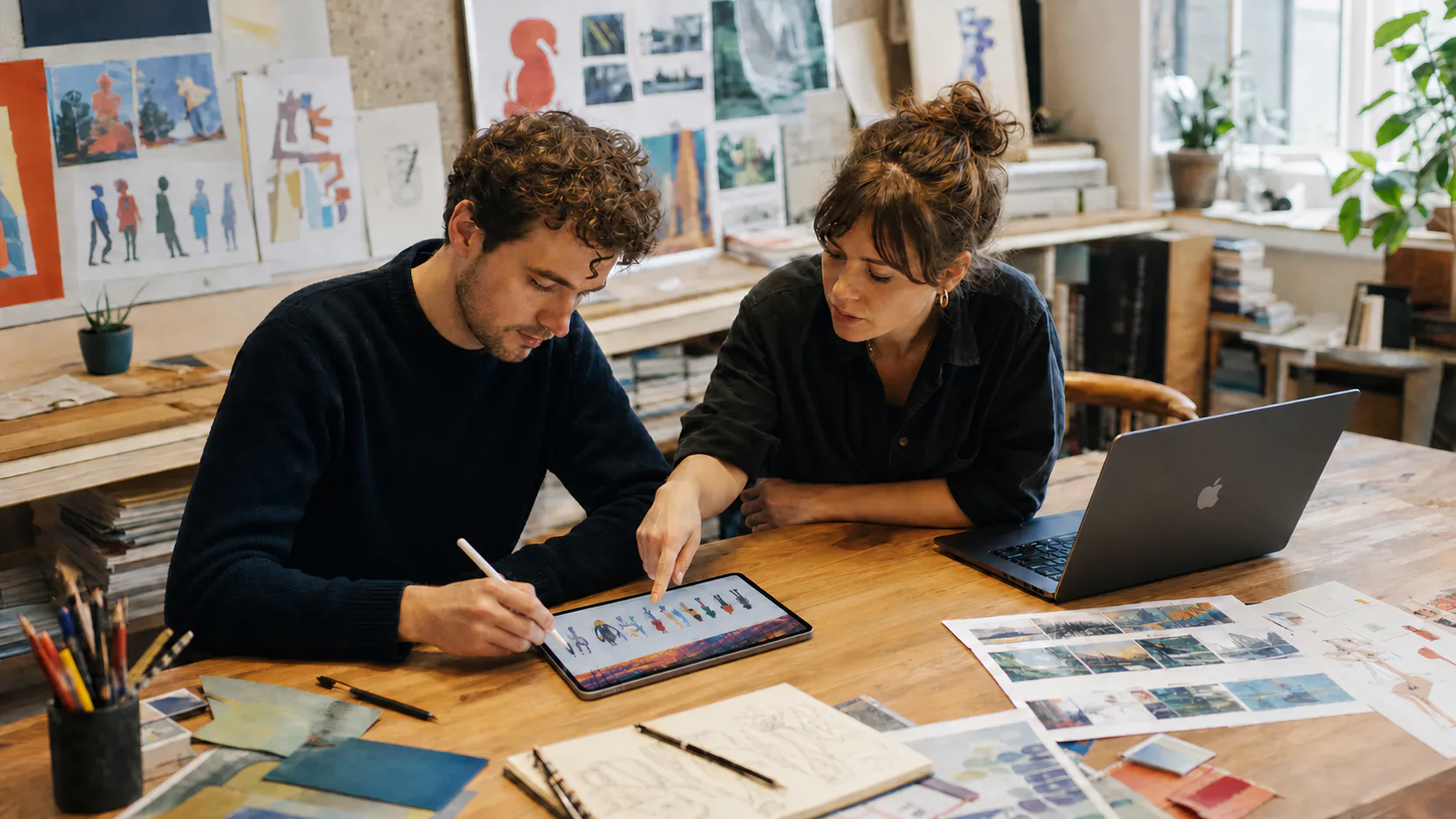
Reference Board gives visual-development artists, character designers, background painters, storyboard artists, and directors one animation moodboard for that exploration. Place character studies beside environments, color scripts, story moments, photographs, folk art, film stills, sketches, and notes without committing to a presentation too early.
Collect character, world, and movement references
Save images and selected text from the web, paste screenshots from the clipboard, drag in sketches and files, or use the Share Sheet from iPhone and iPad. Add video and YouTube references when gesture, timing, acting, or camera movement matters more than a single still.
Source links remain attached, so you can return to the artist, film, place, or technique that started the idea. Add a sticky note beside a reference to capture why it matters: a line of action, expression, shape relationship, lighting cue, or emotional beat.
Organize an animation moodboard around the production
Use named Regions for characters, expressions, costumes, environments, props, lighting, color scripts, and sequences. Keep alternate directions near one another for comparison, then use region navigation and the minimap to move around a large project without losing the whole world.
Reference Board generates descriptions and detects objects, scenes, dominant colors, visible text, and body-pose signals. The library becomes searchable while artists stay focused on exploration instead of manually labeling every image. Custom tags add production-specific language for characters, locations, episodes, or story beats.
Search for a feeling, pose, or palette
Natural-language search can bring together references for “quiet blue morning light,” “awkward energetic poses,” or “rounded village architecture” across every board. Color filters reveal palettes that repeat through a sequence, while OCR can find text inside saved pages and images.
Similar-image suggestions turn one useful reference into a trail of related silhouettes, gestures, compositions, and colors. Gather the strongest results into a new board for a character pass, sequence, or review, and keep older research active when the story changes direction.
Keep the visual target close during production
On Mac, keep the board always on top beside drawing, painting, compositing, or 3D software. On iPad, use Apple Pencil to trace a line of action, circle a silhouette, or mark a lighting detail directly on the canvas.
Share the latest direction through iCloud so collaborators can work from the same visual context. When a director review or handoff needs a fixed snapshot, Snap to Grid can bring order to the layout and PDF or PNG export makes the board easy to circulate. The result is a searchable visual-development library that carries the project from first studies to final frames.