
Let your inspiration ripple.
Collect inspiration, discover related visuals, and keep every moodboard in sync across iPhone, iPad, and Mac in one private, native experience.
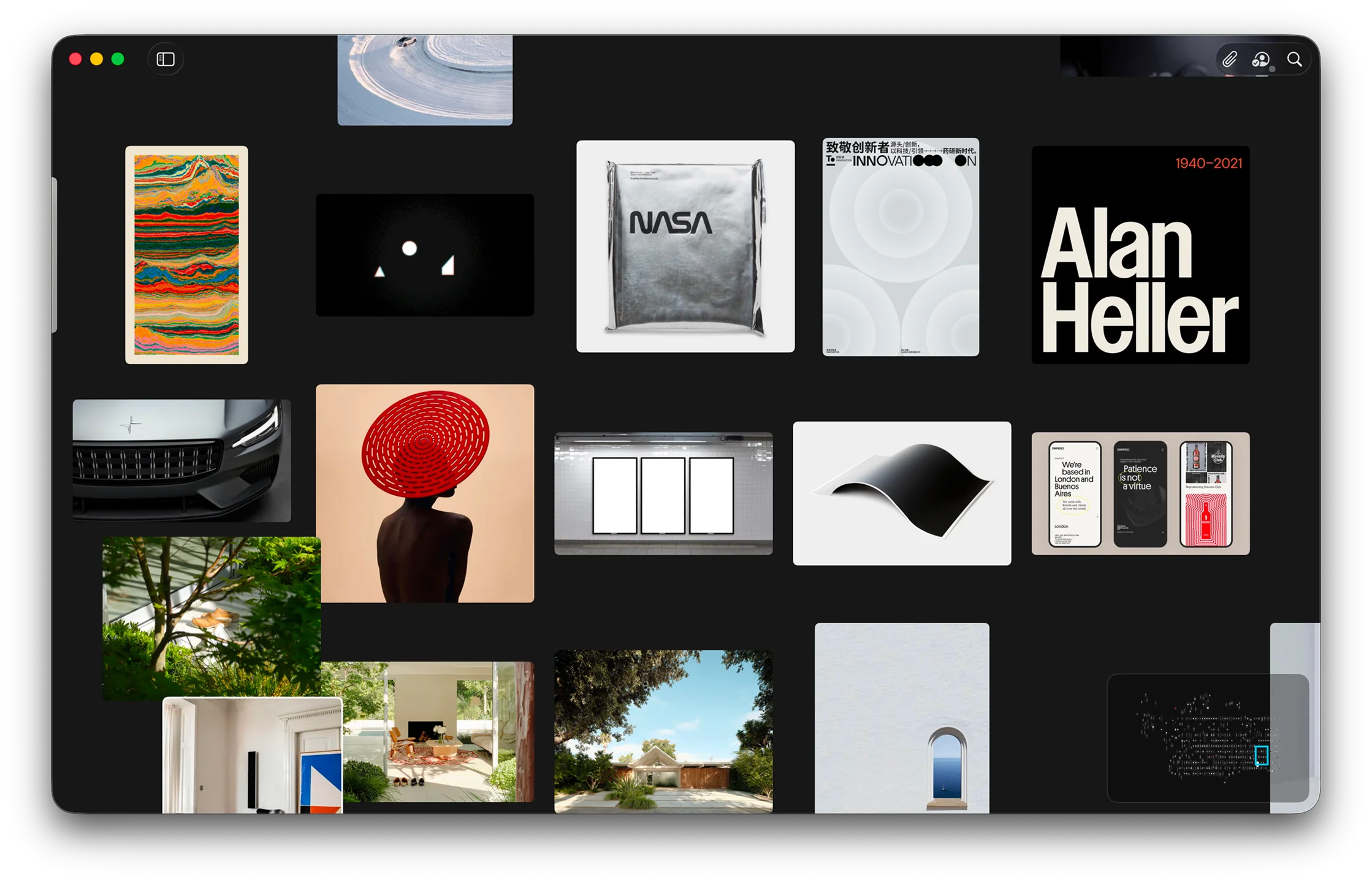
Moodboards without limits.
Spread out and follow every idea. Reference gives you an infinite canvas on Mac, so you can collect inspiration freely, create multiple moodboards, and explore without ever feeling boxed in.
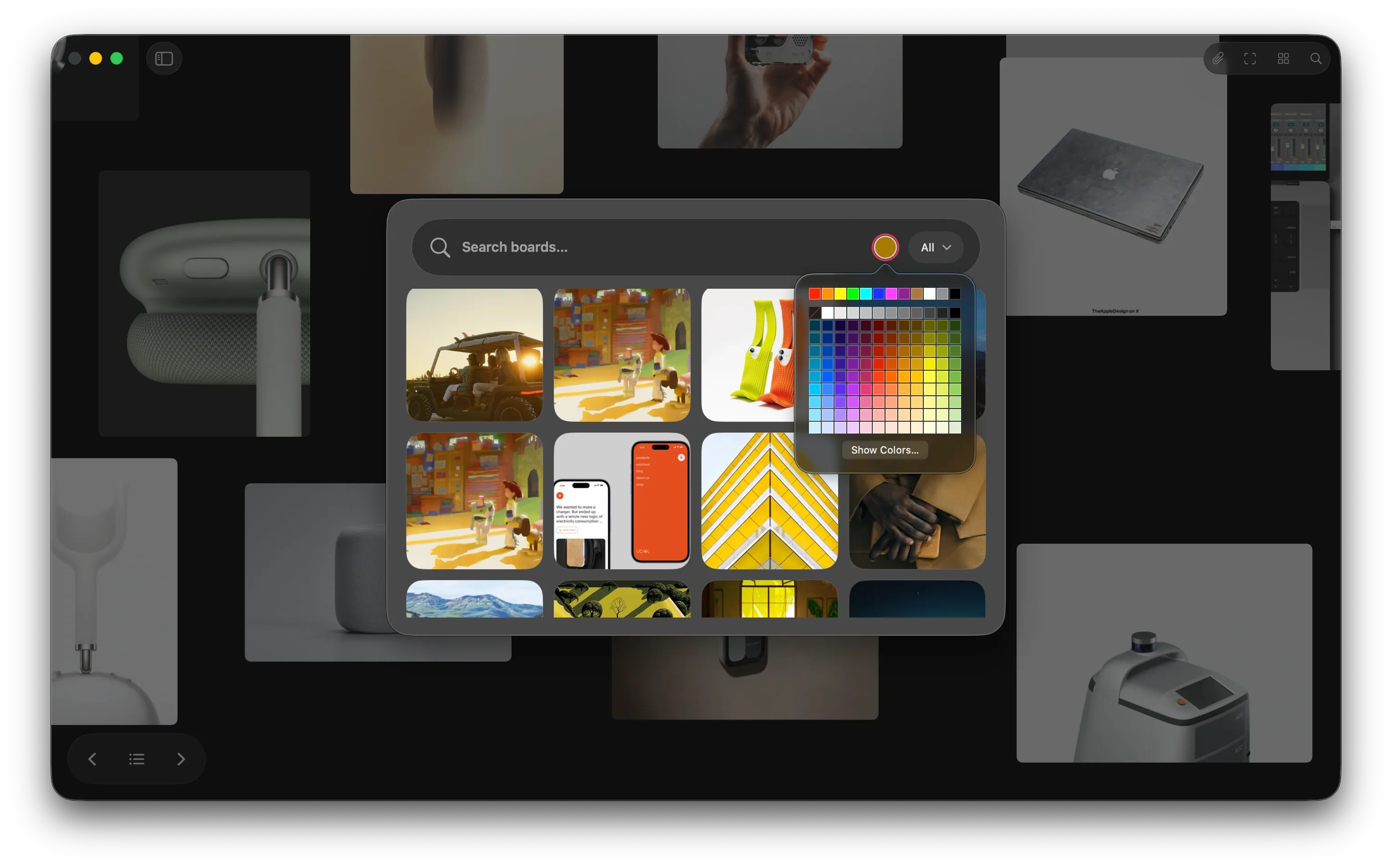
Find it instantly.
Search across your library by color, style, scene, and your own words. Reference helps you move from one great image to the next, then turn any set of results into a fresh board in seconds.
Find more like this.
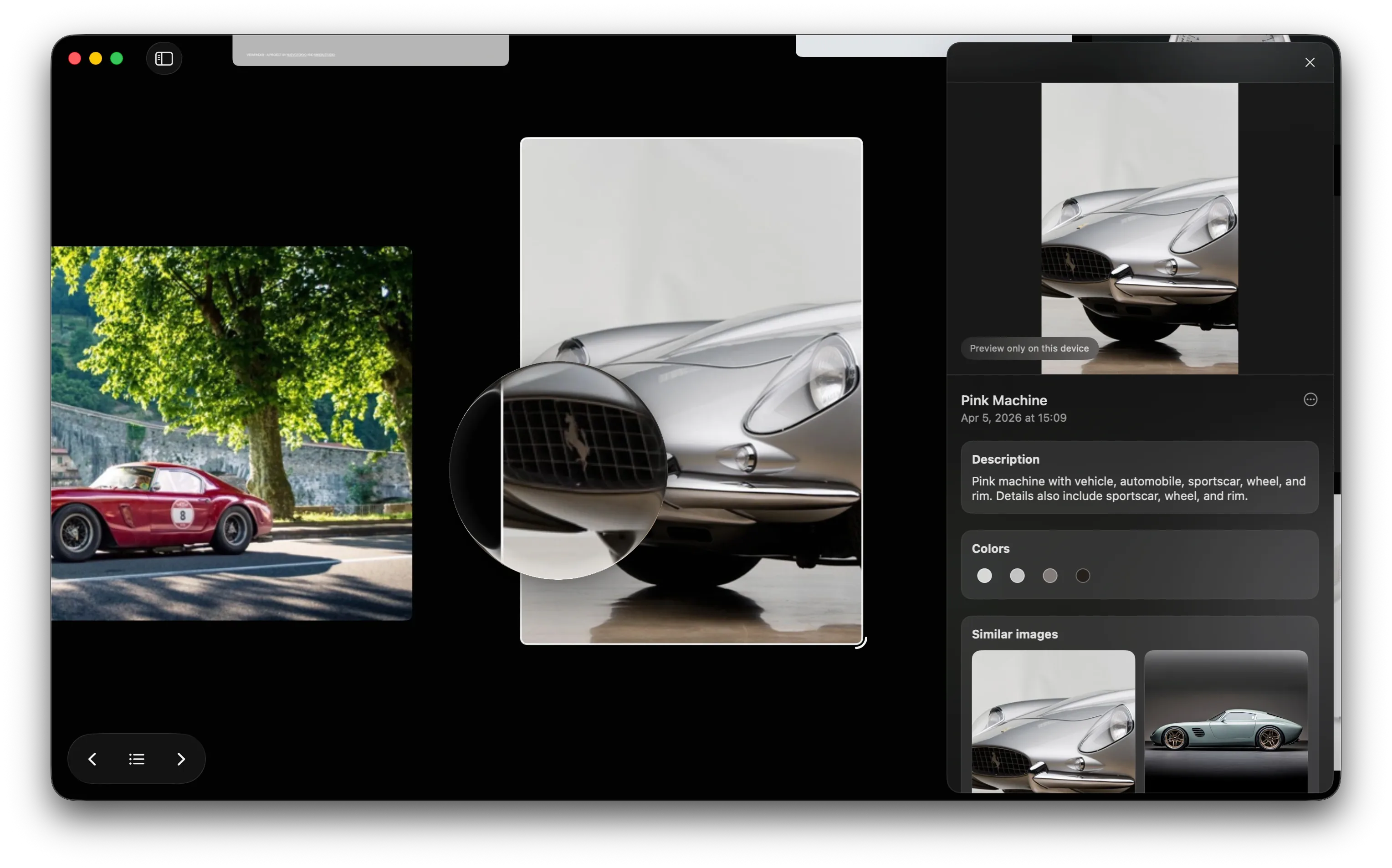
Open any reference and discover visually related images from the same board. Reference helps you follow shape, color, texture, and mood without breaking your flow or starting a new search from scratch.
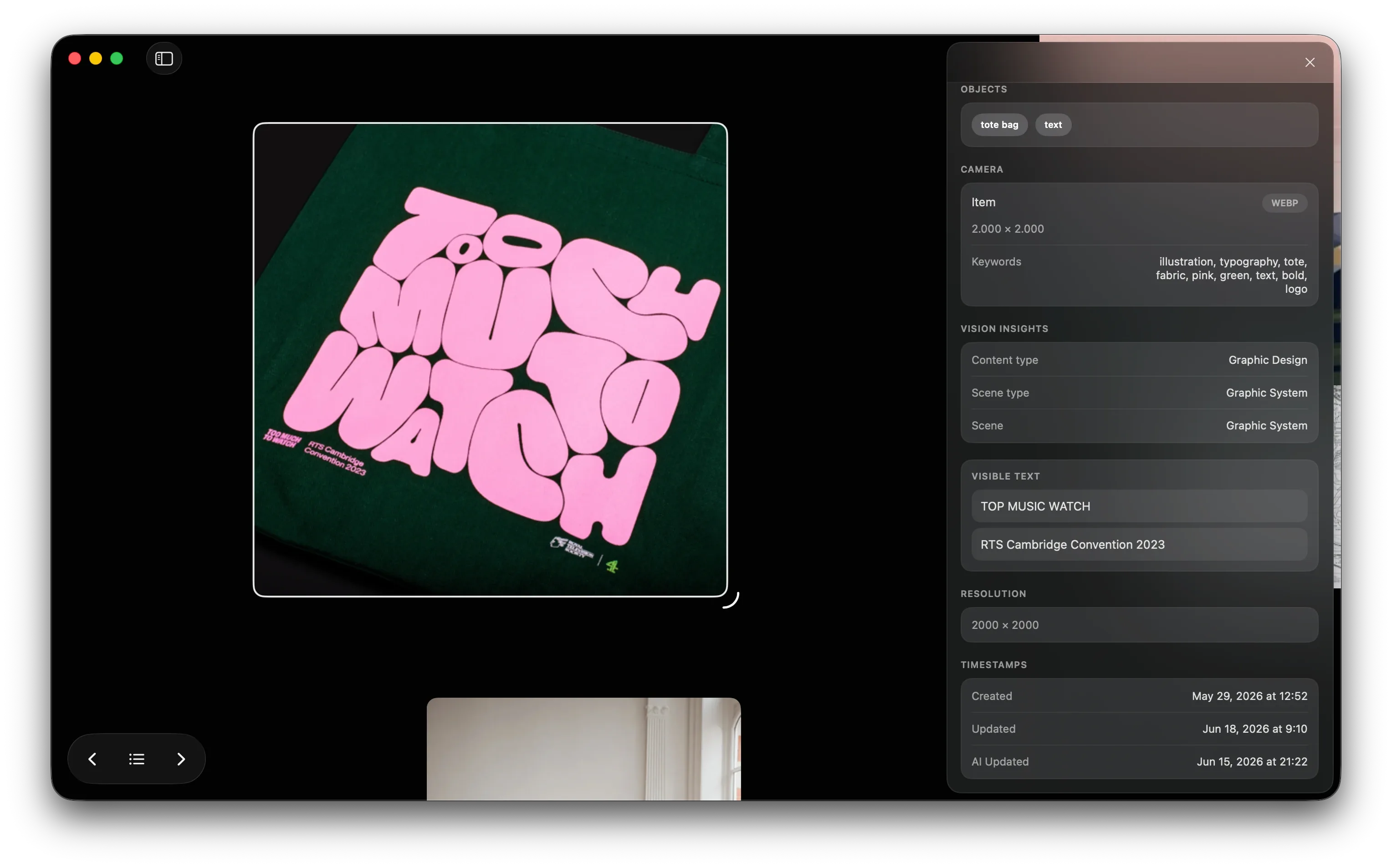
Text, recognized.
Reference automatically reads the visible words inside your images, so even the smallest detail stays searchable. Find labels, titles, packaging, and fragments of text the moment you need them.
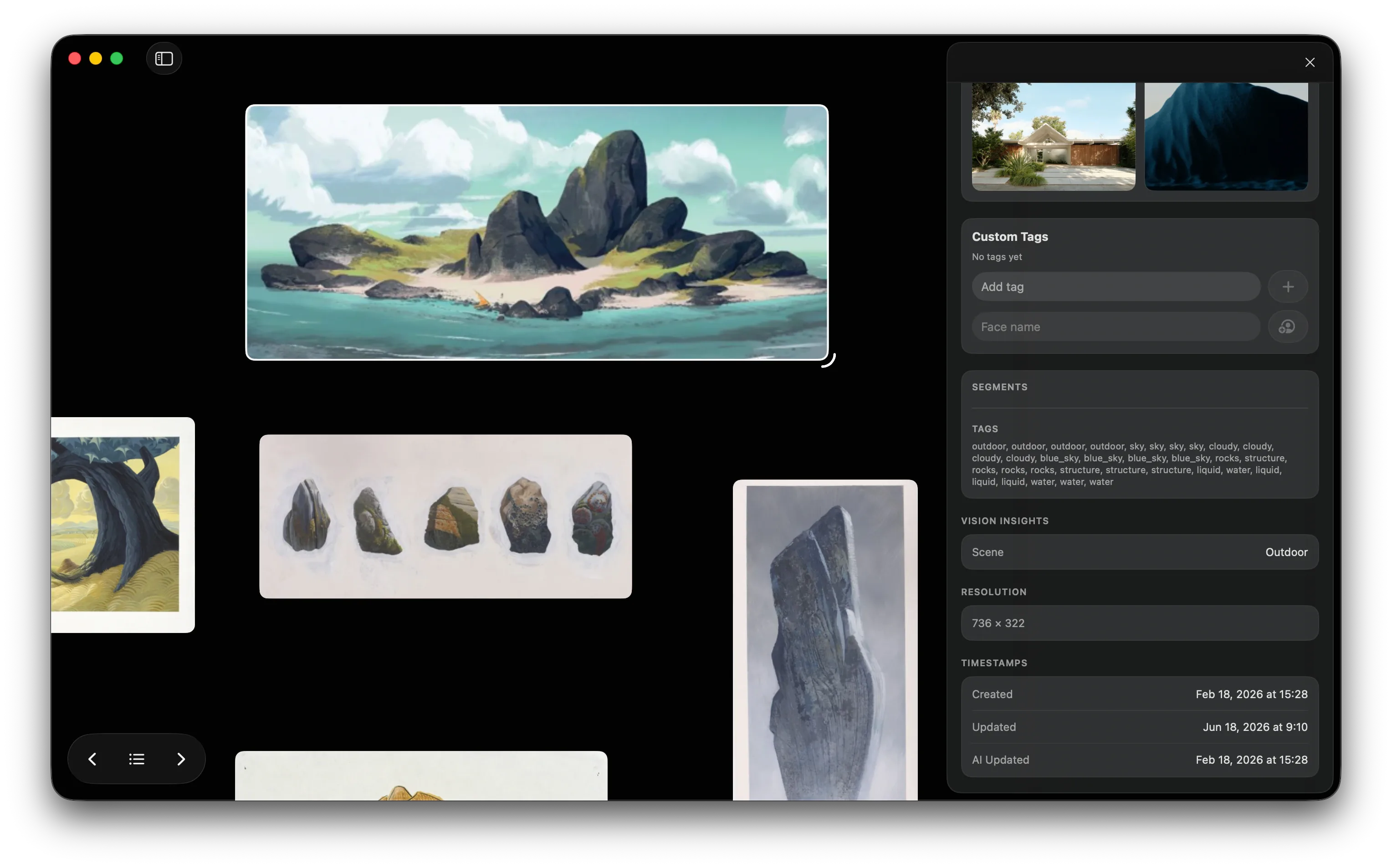
Tags, done for you.
Descriptions, custom tags, colors, and visual cues are generated automatically as you save. Your library stays organized in the background, so finding the right reference feels effortless.
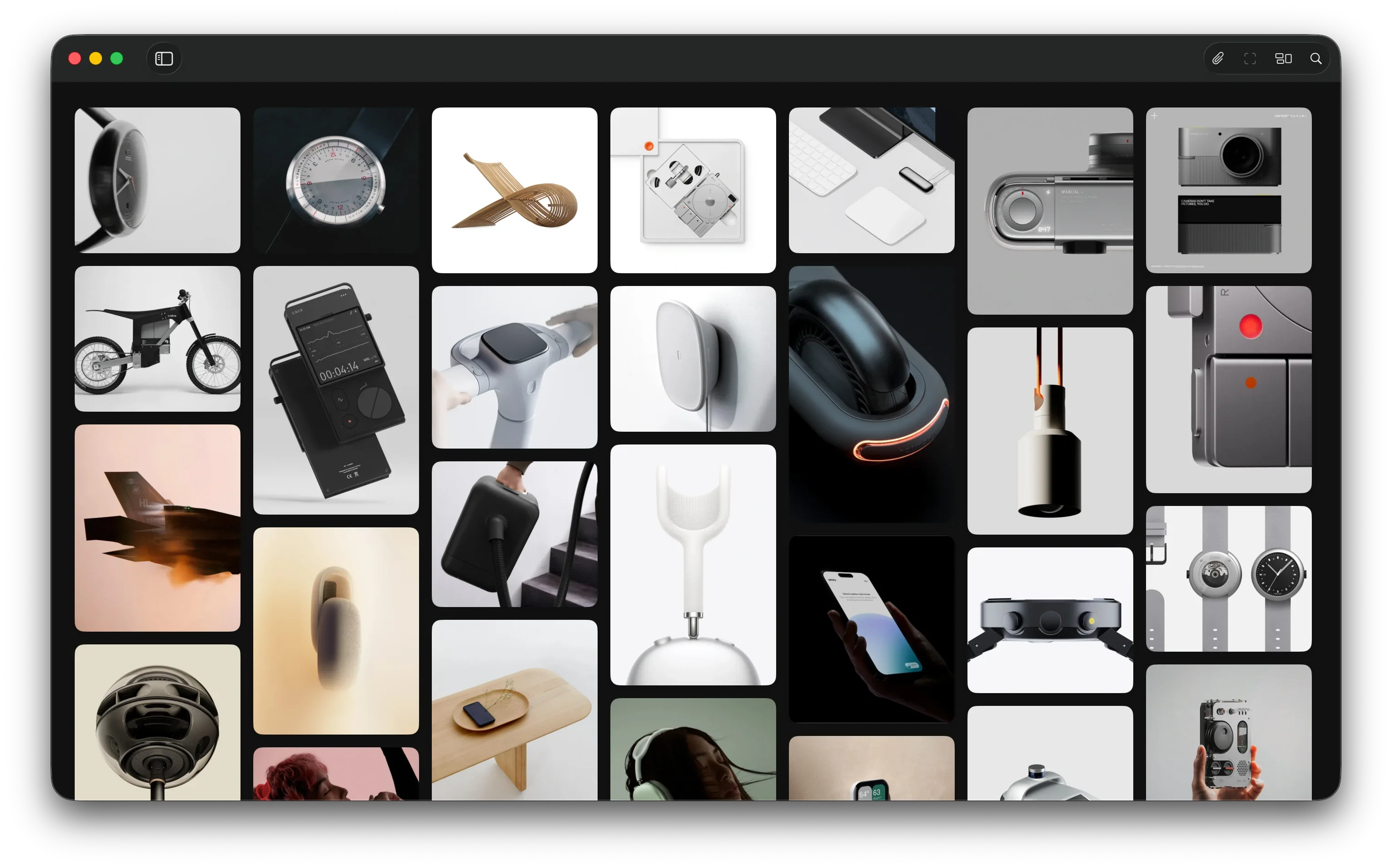
Bring everything together.
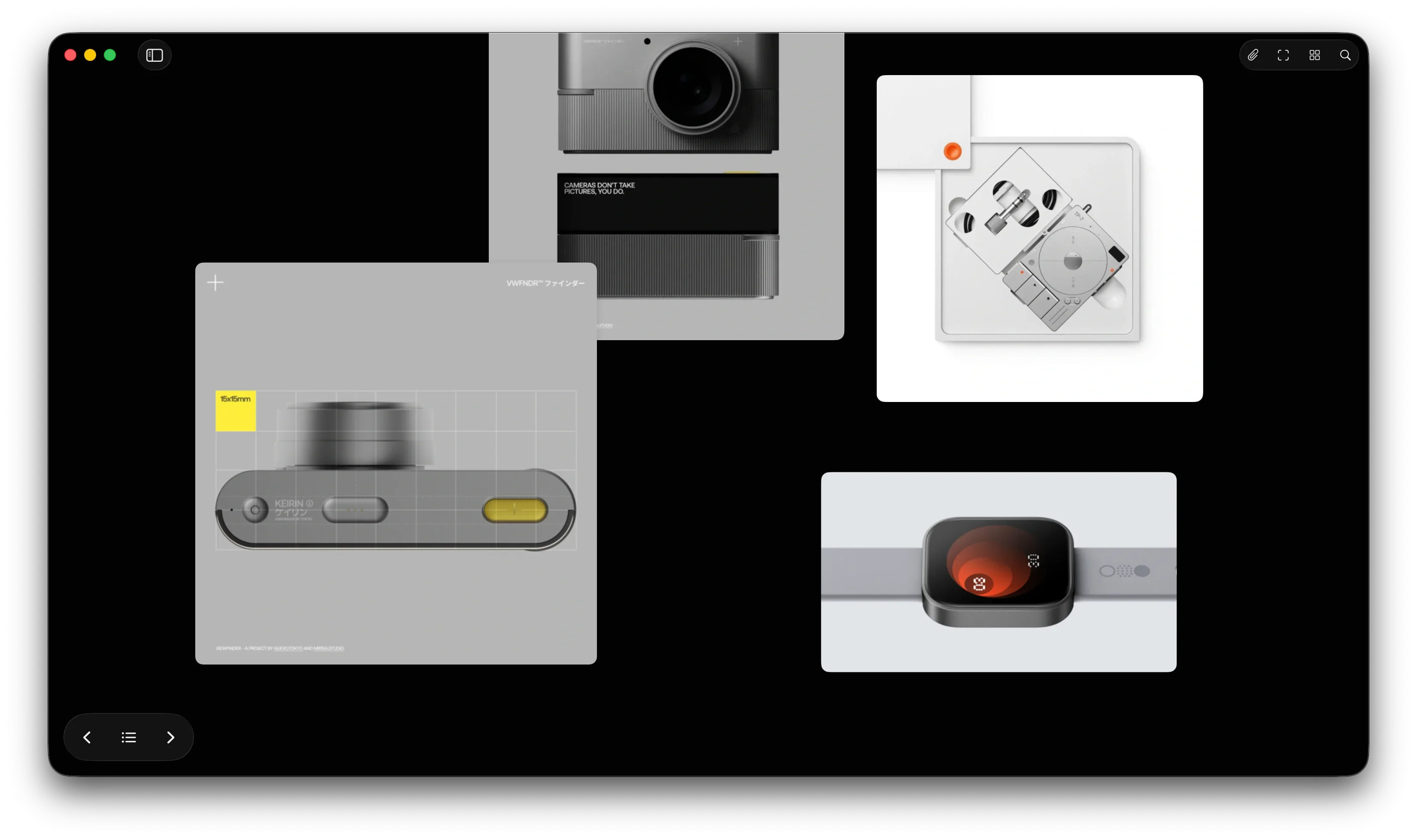
Add images, video, YouTube, quotes, and sticky notes to the same board. Reference lets every kind of inspiration live side by side in one calm, beautifully arranged space on Mac.
Share your boards on the web.
Publish a view-only web preview and share it with clients, colleagues, or anyone else. They can explore the complete board in their browser without buying or installing Reference. Your boards stay private until you choose to publish, and you can update or unpublish them at any time.
Explore a public board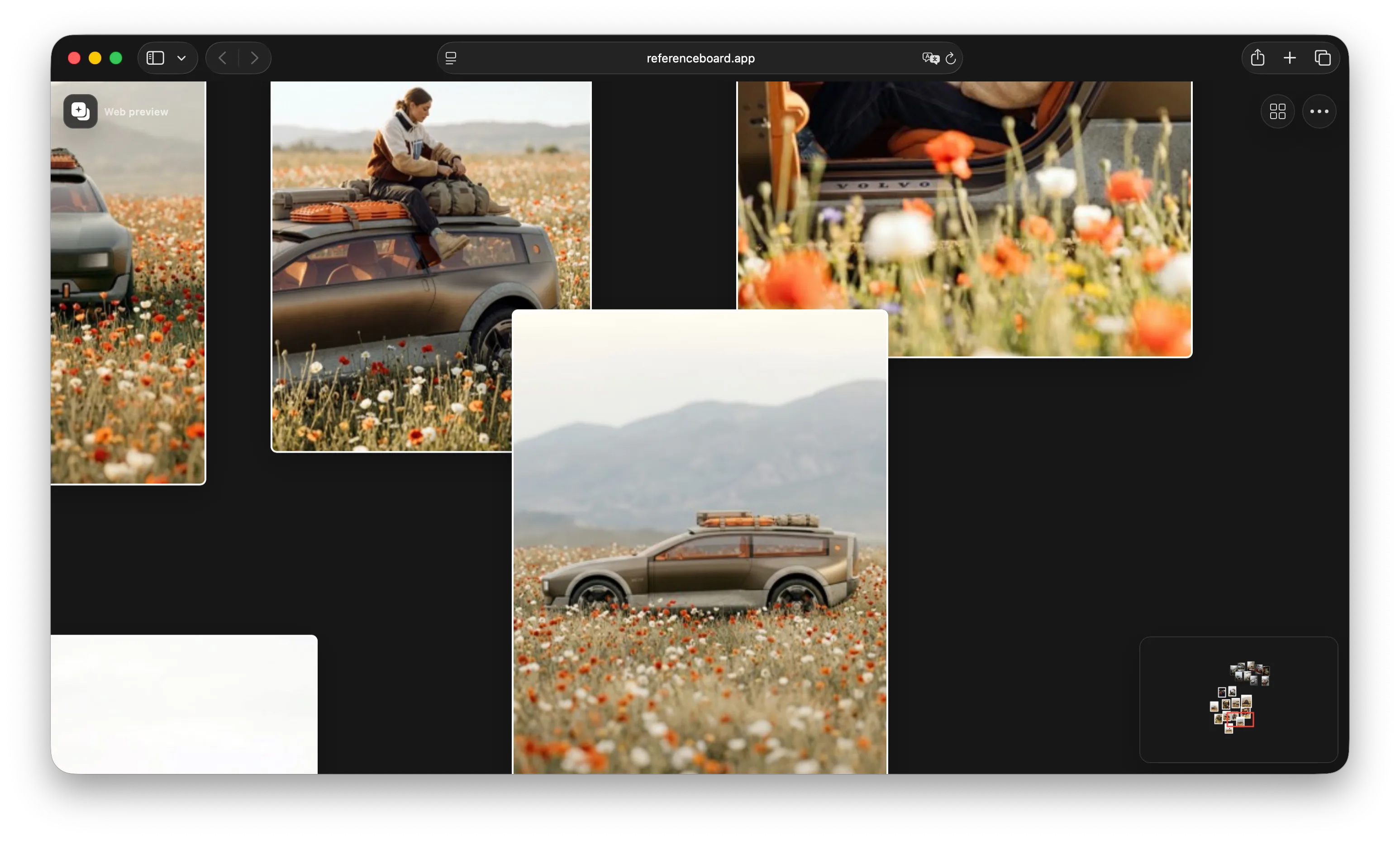
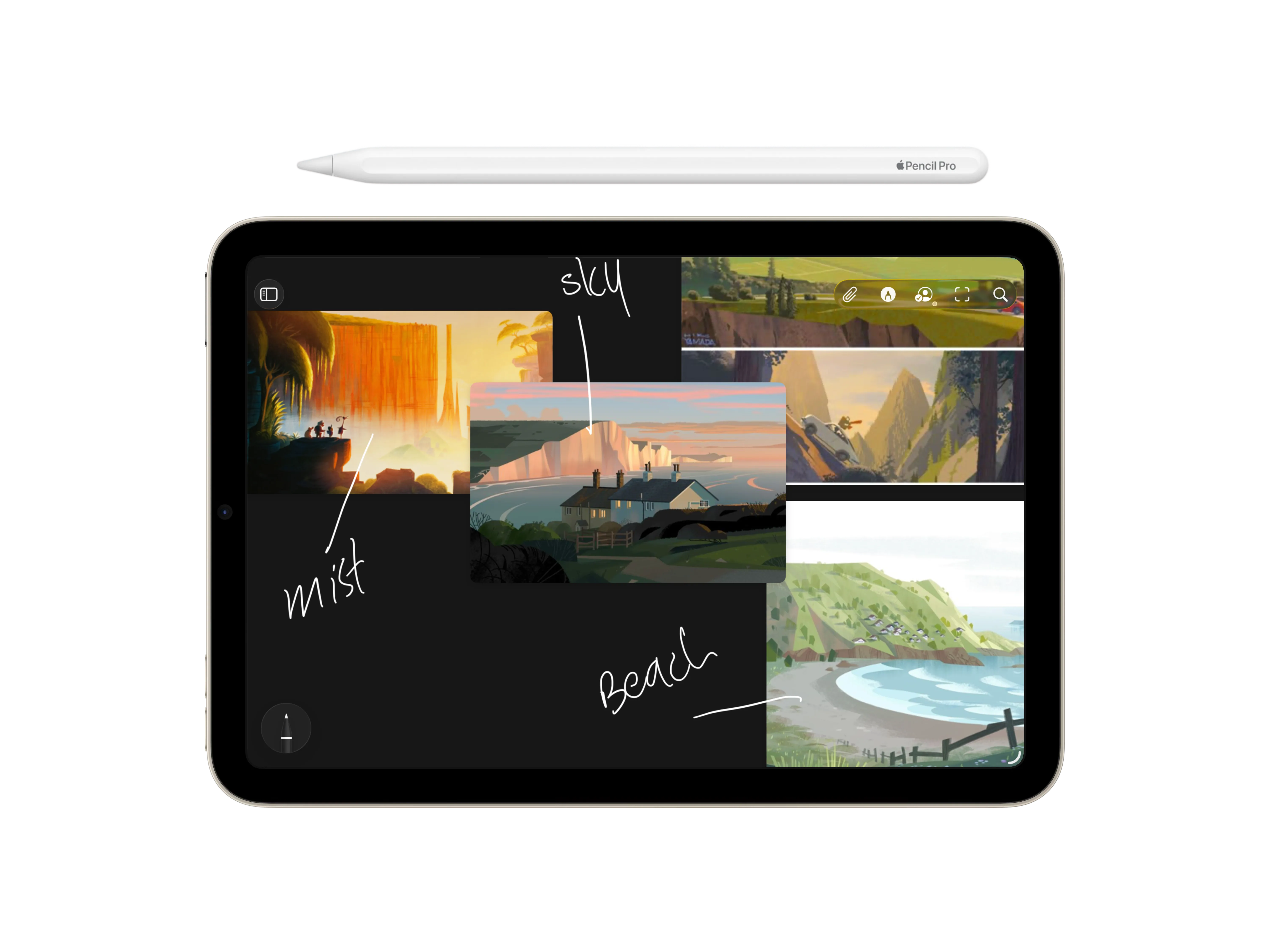
Mark ideas right on the canvas.
On iPad, sketch, circle, underline, and erase directly on a board with Apple Pencil. Annotations stay attached to the canvas as you pan and zoom, so quick visual notes remain beside the references that sparked them.
Questions, answered.
Get quick answers about pricing, privacy, browser extensions, supported media, and how Reference works across iPhone, iPad, and Mac.
Is Reference Board a one-time purchase?
Reference Board is a $5.99 one-time App Store purchase for iPhone, iPad, and Mac. People who acquired the app while it was free can unlock everything for the same $5.99 one-time price. There is no subscription, and Family Sharing is supported.
Does one purchase cover iPhone, iPad, and Mac?
Yes. One Reference Board purchase unlocks the iPhone, iPad, and Mac apps on your supported devices when you use the same Apple Account. Family Sharing is also supported.
What if I joined when the app was free?
Your existing boards and items stay safe and available; nothing is deleted or held behind the paywall. Unlock unlimited access whenever you want unlimited boards and items.
I already bought Reference Board. Do I need to pay again?
No. If you previously purchased the app or a lifetime upgrade, you keep permanent access.
Is Reference private?
Yes. We do not track you, lock you in, or sell your data. Your references stay private, we do not know how you use the app, and your inspiration syncs through iCloud across your own devices in the Apple ecosystem.
Does Reference come with a browser extension?
Yes. Reference includes a Safari extension today, and a Chrome extension is coming soon.
What can I add to a board?
You can add images, videos, YouTube videos, and GIFs, then use sticky notes for text so every idea, reference, and thought stays together in one place.
Can Reference download YouTube videos?
No. Reference can play YouTube videos inside your workflow, but it does not download them because of YouTube's terms and conditions.
What do the widgets do?
Widgets can surface random inspiration or bring a specific saved project back into view, so the right references stay close at hand.
Keep inspiration close.
Build moodboards, discover what connects, and let the right references stay within reach across your Apple devices.