
Visual search that keeps momentum going
The best search tools do not make you feel like you are searching. They make you feel like you are continuing a thought. Visual search in Reference is built around that idea, helping one strong reference turn into a chain of better ones without forcing you to stop and over-explain what you are looking for.
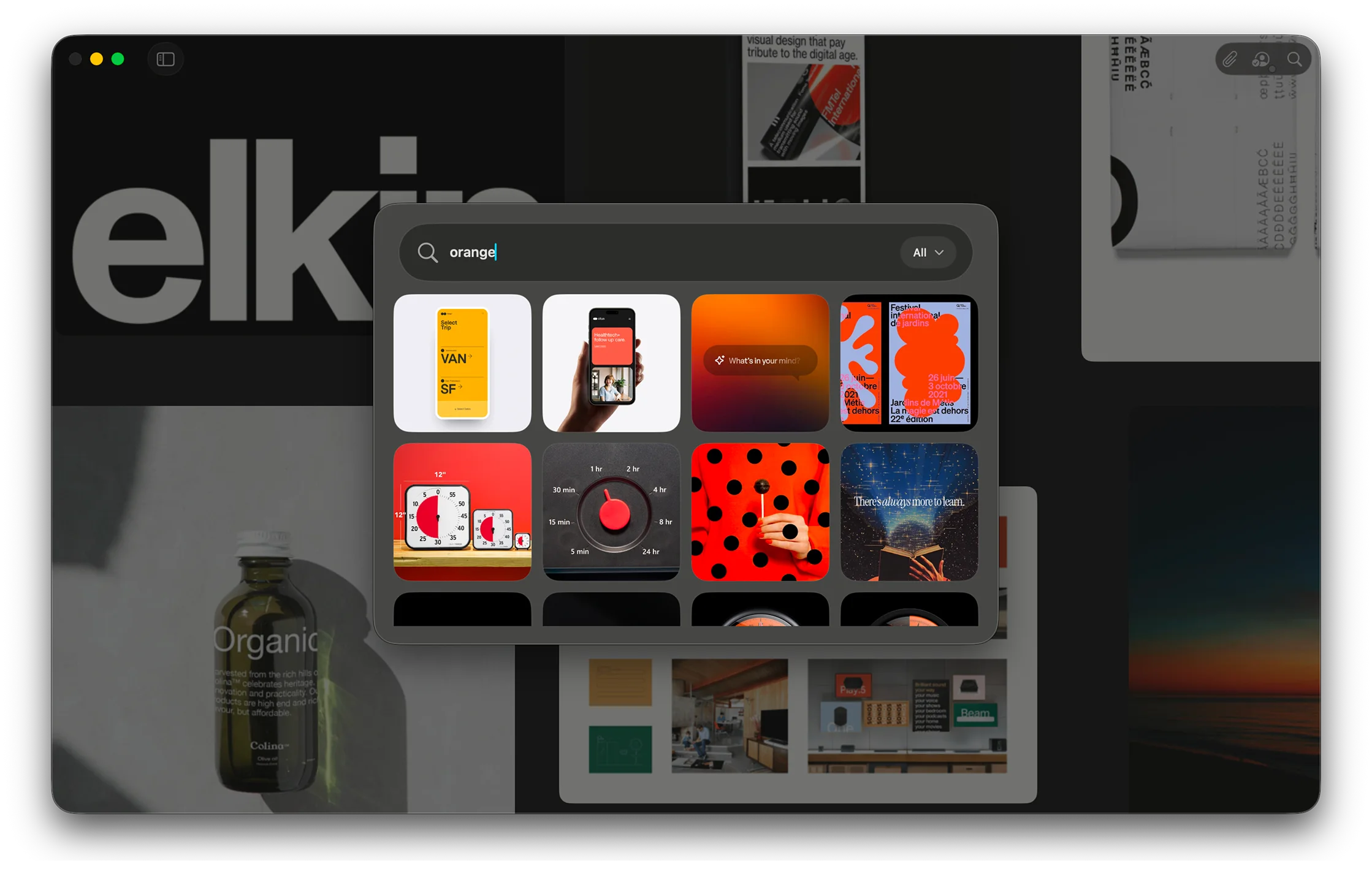
Find the next reference faster
This feature is for the common moment when you know the direction is right, but the specific image is not quite there yet. Maybe the composition works, but the palette does not. Maybe the shape language is right, but the styling is too polished or too literal. Visual search lets you start from that almost-right image and keep moving.
That matters because creative search is rarely linear. You are often not looking for an answer so much as triangulating toward one. The more an app understands that, the less it asks you to interrupt your process just to operate the tool.
Reference can now use the image itself as the prompt in a more useful way, surfacing nearby options that feel connected in tone, subject, and atmosphere. The result is a search experience that feels more exploratory and less transactional.
A better bridge from collecting to building
There is also a practical payoff here. Once search starts returning the right kind of material more consistently, building a board becomes faster. You stop bouncing between separate apps or tabs. You stop exporting mental notes about why you saved something in the first place. The board can develop in one place.
That is really what this feature is about. Not search as a database trick, but search as a bridge between collecting references and actually shaping a visual direction.