
Smarter boards, with less management
This update brings Smart Regions, light mode, theme colors, Snap to Grid, PDF and PNG export, and a way to keep a board above your other apps while you work. Together, they make Reference feel easier to arrange, revisit, personalize, and share.
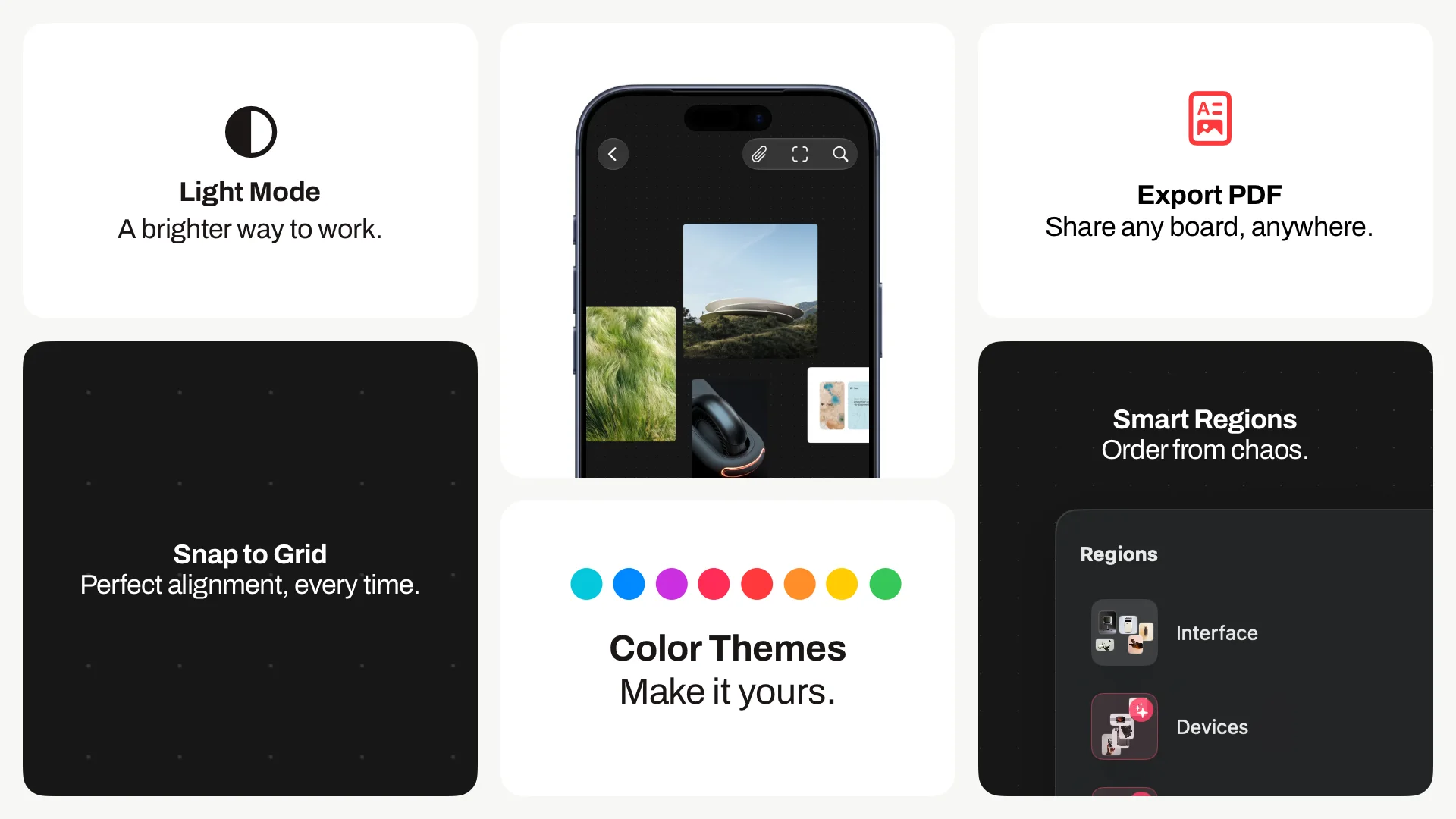
Structure that appears when you need it
Regions already made large boards easier to revisit. Smart Regions build on that by making the canvas a little more aware of the structure that is already forming.
When you place items close to each other, Reference can now recognize that cluster as something you may want to keep. A group of images, notes, sketches, or references can be suggested as a region before you have stopped to organize it yourself.
That matters because boards often become organized before you formally organize them. A few images gather around an interface direction. A material study starts to separate from a color idea. A device reference sits beside details that clearly belong together. Smart Regions help notice those moments earlier, so the useful shape of a board does not depend entirely on naming everything by hand.
You can still make your own regions, rename them, and shape the board yourself. Reference is simply getting better at seeing the patterns you are already creating.
A board that fits the way you work
This update also makes Reference more personal. Light mode is now available, so the app can feel brighter when that suits the work, the room, or the time of day. Dark mode is still there for a quieter canvas.
Theme colors add a second layer of that same idea. Reference can now take on more of your own style, whether you want the interface to stay neutral or give it a color that feels closer to the project you are working on.
The canvas itself is more deliberate too. Snap to Grid gives you a subtle grid background and a cleaner way to line things up when a board needs order. Some boards should stay loose. Others become easier to read when images share an edge, notes fall into rhythm, and the whole layout feels less accidental.
Keep references close
Reference is often most useful when it sits beside the work, not behind it. You can now keep a board above your other views, so the references stay visible while you move through the rest of your workflow. It is subtle, but it changes the role of the app: the board can become a companion surface while the actual making happens somewhere else.
Easier to share, easier to archive
Boards can also leave the app more cleanly now. Export to PDF makes it easier to share a layout, review a direction, or keep a record of where a project was at a certain point. PNG export gives you a simpler image version when you just need a quick visual.
Exports are not meant to replace the living board. They are for the moments when a board needs to become portable: a handoff, a review, a reference in another document, or a quiet archive of work that has moved on.
Together, these changes make Reference feel more complete across the small moments around creative work: easier to arrange, easier to keep visible, and easier to share when the board needs to move into the rest of the project.